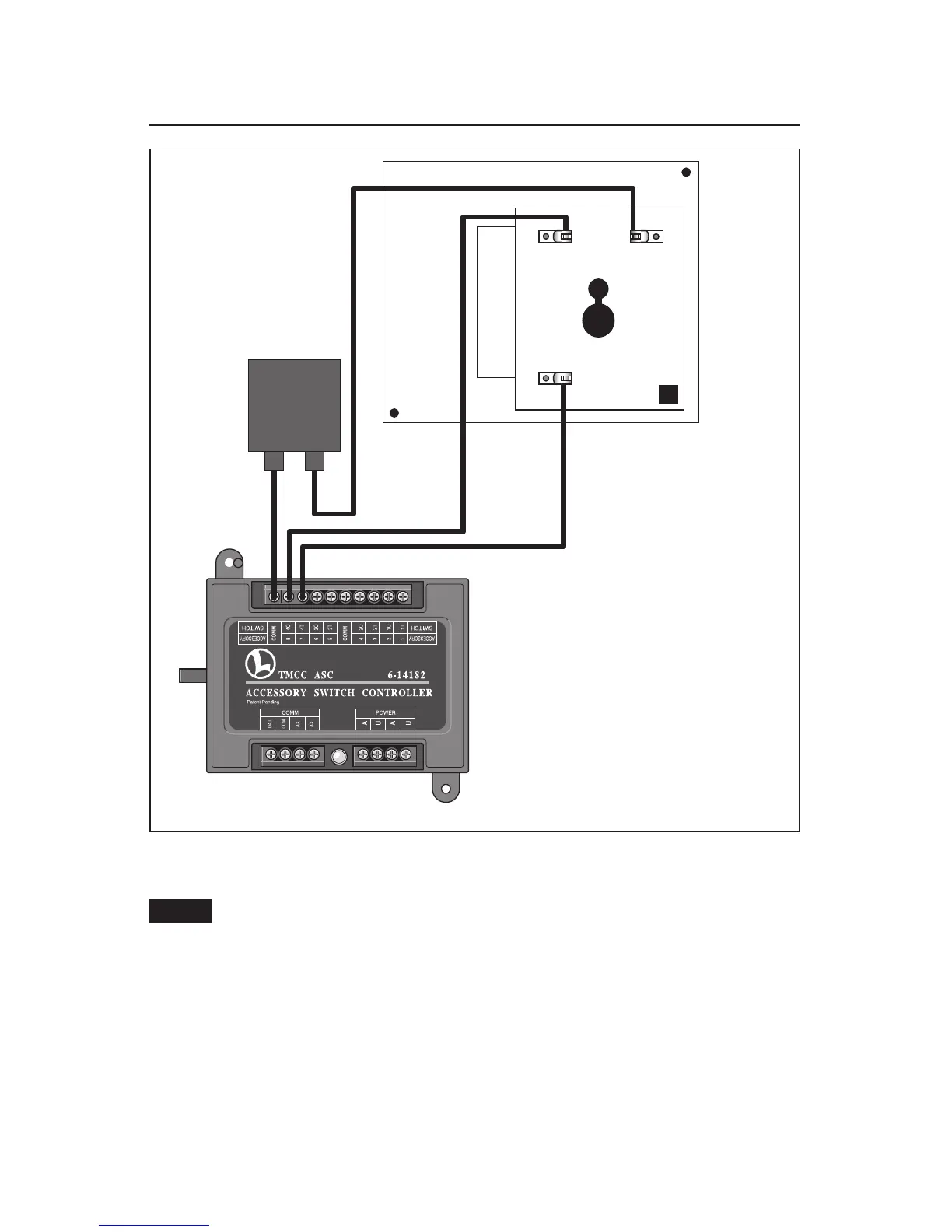
Figure 8. ASC connections
Front
ASC
U
A
Operating the accessory using TrainMaster Command Control
(continued)
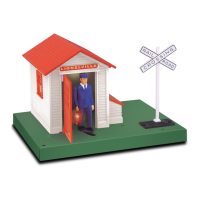
The Automatic Gateman requires two ASC outputs and Accessory ID#’s. Refer to the
Accessory Switch Controller instruction manual for more detailed information.
Follow these steps to operate the Automatic Gateman
1. On the CAB-1 Remote Controller, press ACC and then press the first assigned ID#. Press and
hold AUX1 and the gateman will come out for as long as your hold the button down.
2. On the CAB-1 Remote Controller, press ACC and then press the second assigned ID#. Press
AUX2 to turn on the lights. Press AUX2 again to turn off the lights.
Note!






 To Next Page