9
Operating the accessory using TrainMaster Command Control
Y
ou may choose to operate the accessory in the TrainMaster Command Control
environment using an SC-2 Switch and Accessory Controller (available separately, 6-
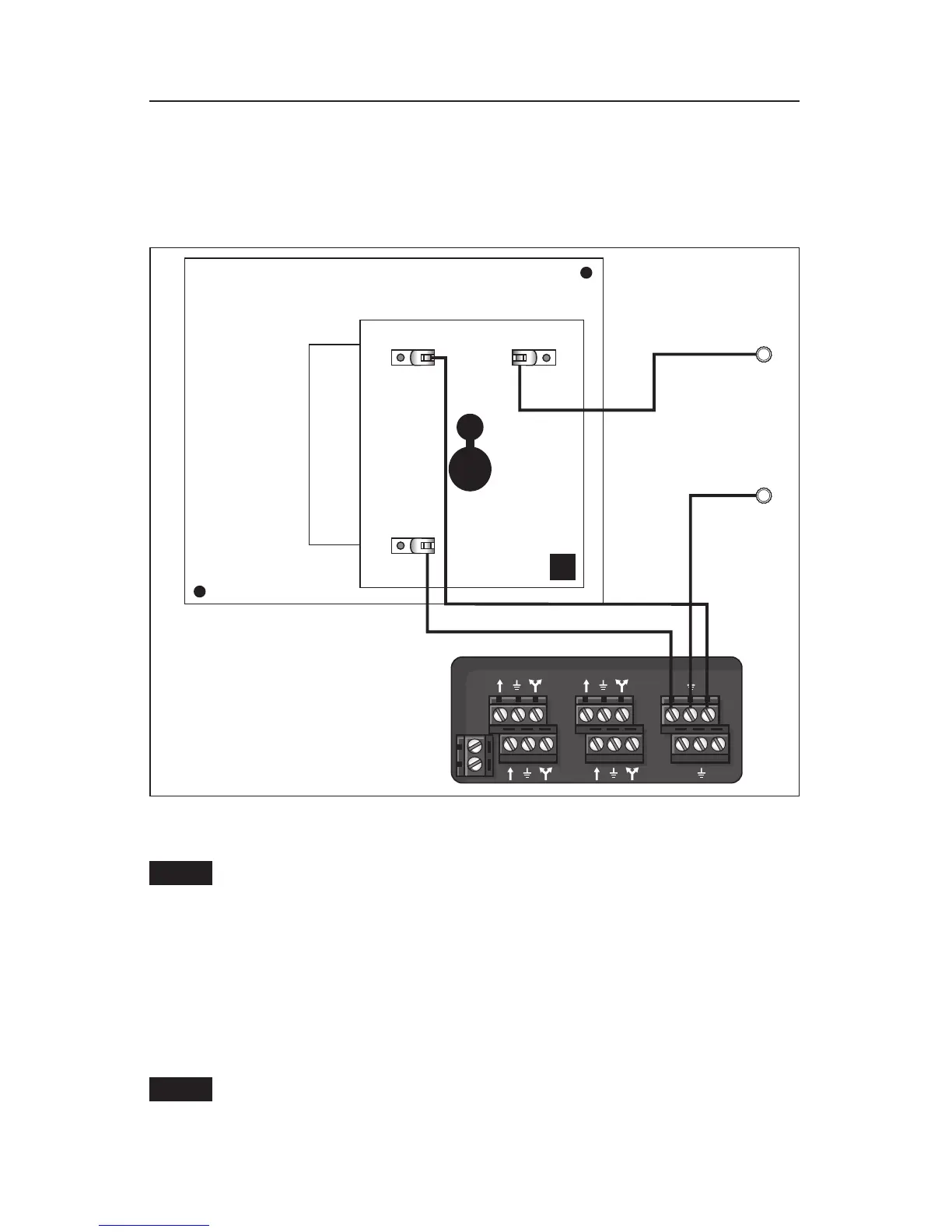
22980) or an Accessory Switch Contoller (available separately, 6-14182). Connect the accessory
as illustrated in Figures 7 and 8.
Figure 7. SC-2 connections
Front
A Post
U Post
SC-2
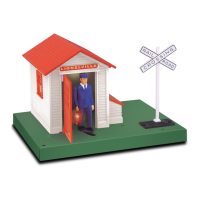
Assign an accessory ID# to the SC-2 for the Automatic Gateman. Refer to the SC-2
instruction manual for more detailed information.
Follow these steps to operate the Automatic Gateman
1. On the CAB-1 Remote Controller, press ACC and then press the ID#. Press and hold AUX1
and the Gateman will come out for as long as you hold the button down.
2. On the CAB-1 Remote Controller, press AUX2to turn on the lights. Press AUX2 again to
turn off the lights.
If you hold down the button for an excessive amount of time, you could damage the
accessory.
Note!
Note!






 To Next Page