C
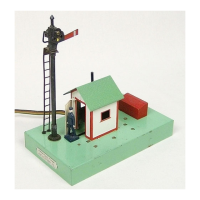
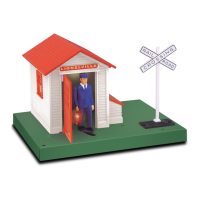
ongratulations on your purchase of the Lionel Automatic Gateman! Place this accessory next
to your mainline, and the gateman will emerge from his shed when the train passes by. You
may also activate the accessory using the separate ON/OFF switch (included).
2
Table of contents
Installing the 153C Contactor for train activation 3
Wiring and operating your accessory using the 153C Contactor 4
Adjusting the 153C Contactor 5
Operating the accessory with the 153C Contactor 5
Wiring and operating your accessory using FasTrack 6-7
Wiring and operating your accessory using the alternate switch connection 8
Connecting your accessory to a 153IR Controller 8
Operating the accessory using TrainMaster Command Control 9-10
Replacing the lamp 11
Limited Warranty/Lionel Service 12
The following Lionel marks may be used throughout this instruction manual and are protected under
law. All rights reserved.
Lionel
®
, TrainMaster
®
, Odyssey
®
, RailSounds
®
, CrewTalk
™
, TowerCom
™
, DynaChuff
™
,
StationSounds
™
, Pullmor
®
, ElectroCoupler
™
, Magne-Traction
®
, CAB-1
®
Remote Controller,
PowerMaster
®
, Lionel ZW
®
, ZW
®
, PowerHouse
®
, TMCC
®
, Lionelville
™
, Lockon
®
, Wireless Tether
™
,
LionMaster
®
, FatBoy
™
, American Flyer
®
, TrainSounds
™
, PowerMax
™
The name FasTrack
®
is used with permission from Pitsco, Inc.






 To Next Page