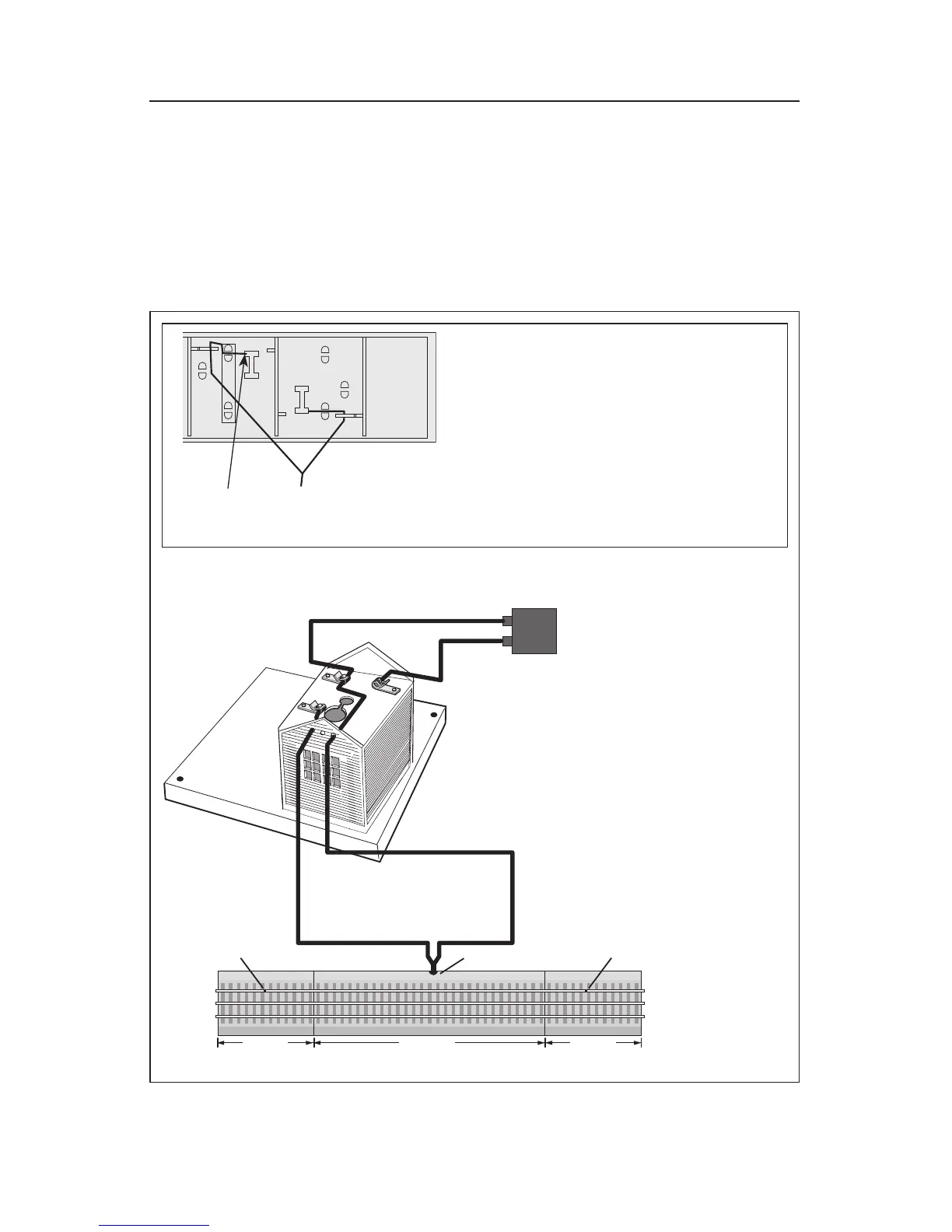
Figure 3. FasTrack connection using fixed voltage
Wiring and operating your accessory using FasTrack
W
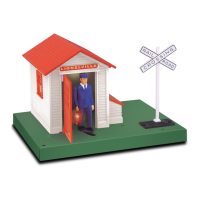
hen you power up your accessory, the interior lights will illuminate. The gateman will
emerge from his shed when the train passes through the FasTrack Accessory Activator
Pack.
Because track power and the power demands placed on your transformer can vary, you may
want to use a separate power supply that has been set to a fixed voltage. While the power for
the accessory is no longer shared with the track, the Accessory Activator Pack will turn on your
accessory. Refer to Figure 3
6-12029 FasTrack
Accessory Activator
Pack available
separately
Wire with the red quick connector
relocated to the connector tab for outer
rail (ground).
1. Remove the wire with the RED quick connector
sleeve that is attached to the connector tab for
the center rail (power) on the underside of the
Insulated Track section.
2. Slide the RED quick connector sleeve over the
open connector tab underneath the outer rail
(ground) of the Insulated Track Section.
3. Connect the other ends of the Insulated Track
section wire to the terminals on your accessory
as shown.






 To Next Page