16
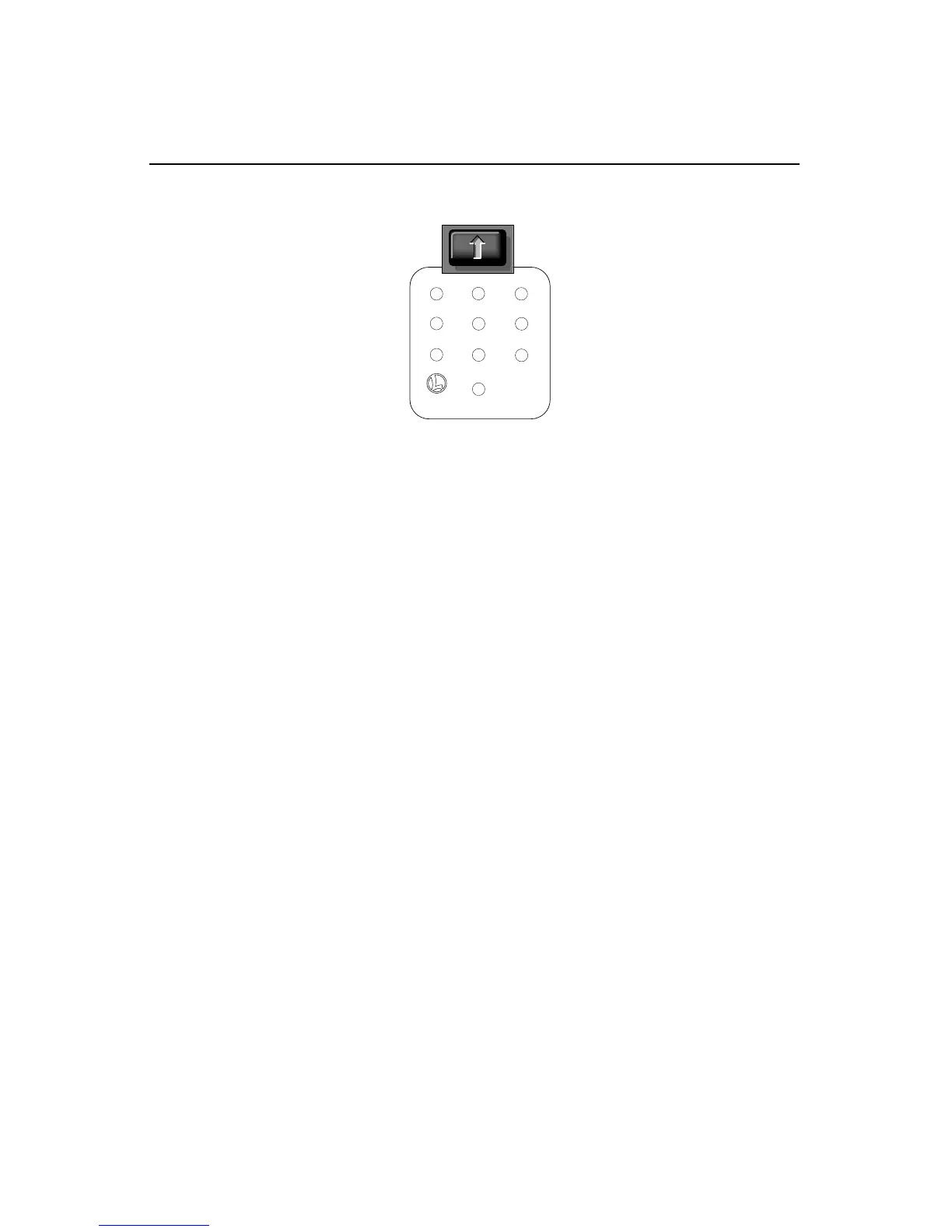
CAB-1 numeric keypad commands for your F3
TrainMaster Command operations
0
Stops and resets the F3’s. Resets the
F3’s direction to FORWARD. Resets
Railsounds to automatic RPM operation.
HORN BLOWS. RPMS RETURN TO
AUTOMATIC.
1
Raises the volume of Rail-
sounds. SOUND VOLUME INCREASES.
2
CrewTalk
™
is the sound of
unintelligable walkie-talkie communi-
cation. CREWTALK ANNOUNCEMENT
3
Raises Railsounds RPM level.
Starts up Railsounds. RPMS
INCREASE.STARTUP SEQUENCE
COMMENCES.
4
Lowers the volume of Rail-
sounds. SOUND VOLUME DECREASES.
5
Activates the Railsounds shut-
down sequence. Just like the real
thing, your F3’s RPMs must be at idle for
shutdown to occur. Press 6 repeatedly to
lower RPMs until they won’t descend fur-
ther. Your locomotive is now at idle. Press 5
to initiate the shutdown sequence.
C
REWTALK ANNOUNCEMENT / DIESEL
SHUTDOWN COMMENCES. Remember, the
horn, bell, and RPMs will not sound until
you restart Railsounds.
6
Lowers Railsounds RPM level.
RPMS DECREASE.
7
TowerCom
™
includes audible stand-
by and departure announcements.
There is a 4 second delay in this function.
8
Turns F3A’s cab interior light off.
C
REWTALK ANNOUNCEMENT
9
Turns F3A’s cab interior light on.
C
REWTALK ANNOUNCEMENT
W
hen you press AUX1 on CAB-1,
you turn the numeric key-
pad into 10 command buttons.
The keypad lets you control
extra command features (until
you press any top-row button
like SW, ACC, RTE, TR, or ENG).
The CAB-1 keypad overlays included
with your F3 are designed to
help you learn the auxiliary
features specific to this loco-
motive. RAILSOUNDS SOUNDS
IN BOLD ITALIC.









 To Next Page