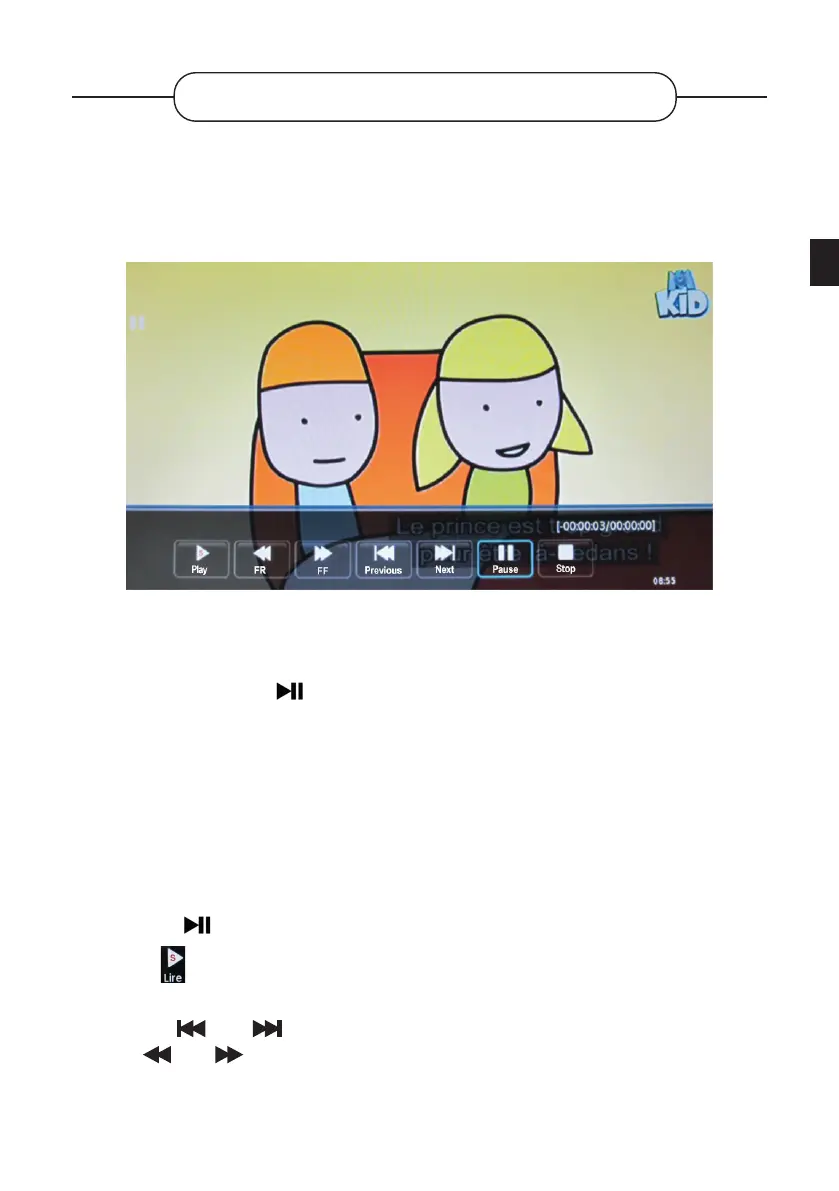
PAUSING THE LIVE FEED
You have the possibility to pause the live broadcast (Time Shift). This programme is stored, but
not recorded, on your external USB media.
• Pausing
1. Insert a USB media (external hard drive, USB memory stick) into the USB port on the TV,
then press the button on the remote control.
2. The image freezes, and the second countdown appears in the lower right corner of the
screen.
• Some USB devices may not support this function because their read/write speeds are too
low.
• The duration of the pause depends on the free space available on the USB device.
• Resume playback
1. Press the button to bring up the menu bar at the bottom of the screen.
2. Select using the or buttons to resume playback from the point where it was
interrupted.
3. Use the and buttons to navigate through the recording. You can also press
the and buttons to watch the programme at an accelerated speed.
EN
101 V.1.0



 To Next Page