Using the buttons
VOL+: Increase the volume Go to the next channel
VOL- : Decrease the volume Go to the next channel
CH+: Go to the next channel
CH- : Go to the previous channel
SOURCE: Select one of the following sources: DTV, ATV, AV, PC, HDMI 1, HDMI 2, HDMI 3,
Media.
MENU: Go to the setup menus.
(Power): Turning the TV on or putting it in sleep mode.
Indicator light: Red when the TV is in sleep mode, green when the TV is on.
Remote control sensor: Receives signals from the remote control. Do not put an obstacle in
front of it.
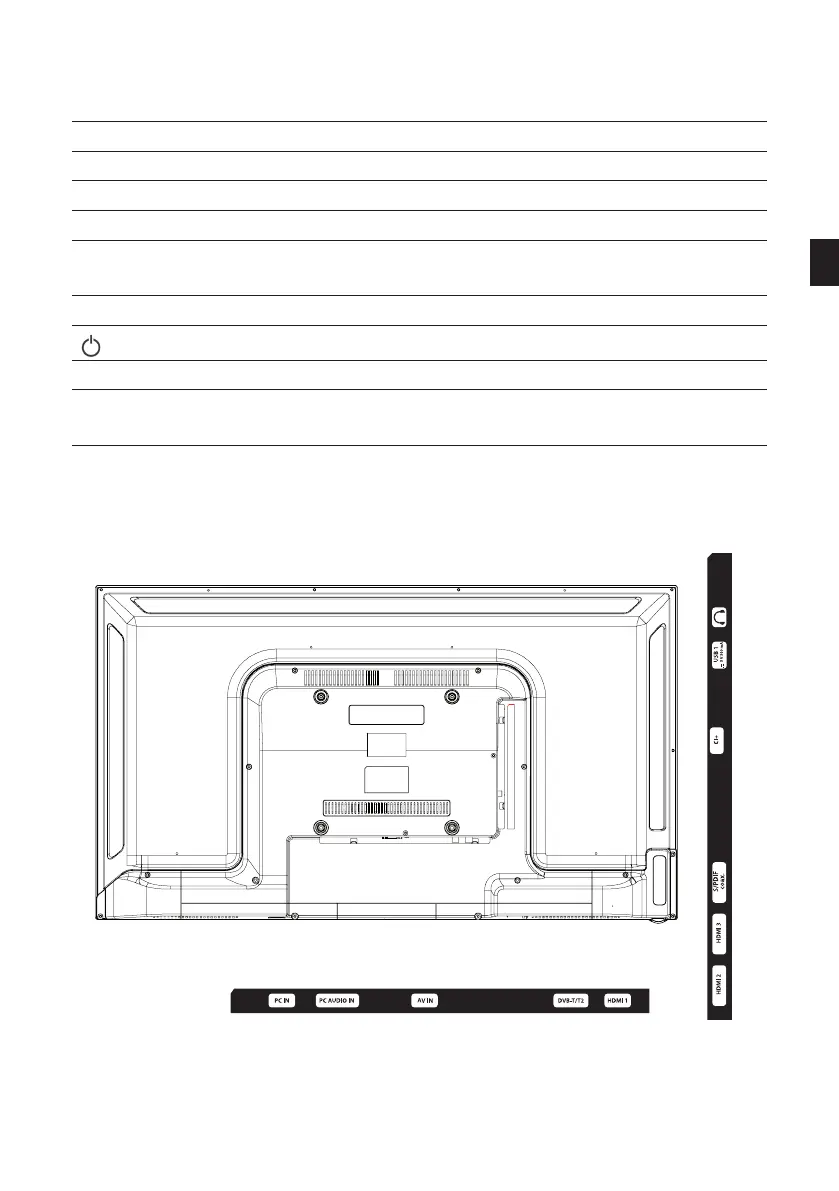
BACK PANEL
The equipment shown may vary from your TV.
EN
59 V.1.0



 To Next Page