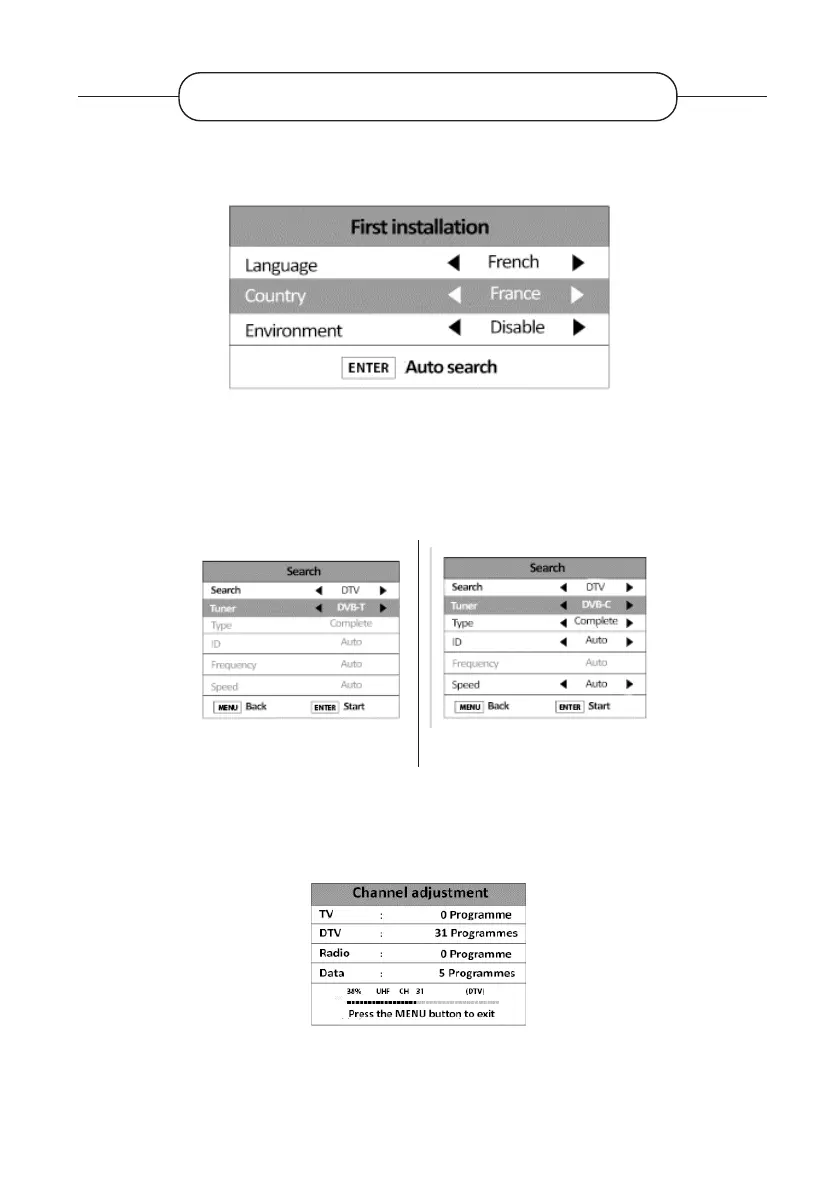
Connect the power and antenna to your TV. Then, switch it on. The rst time you use your TV,
the Installation Guide menu appears on the screen.
1. Use the , , , select the options of your choice. We advise you to keep the default
settings.
2. Scroll down to the Enter line to select the type of tuner to be used (antenna, cable or
satellite)
Antenna Ccable
3. Use the , , , select the desired options and then press Enter to start the automatic
channel scan.
4. During the channel search, press the MENU button if you want to cancel the operation.
Antenna + Cable
FIRST INSTALLATION
V.1.0 70



 To Next Page