1. Press the Menu button and press the button to select the Sound Menu.
2. Press the ENTER or button, then select AD switching with the button.
3. Press or to enable or disable this feature, and to adjust the volume of the beeps.
3. Press the Menu button to return to the main menu, or press the Exit button to exit the
menu.
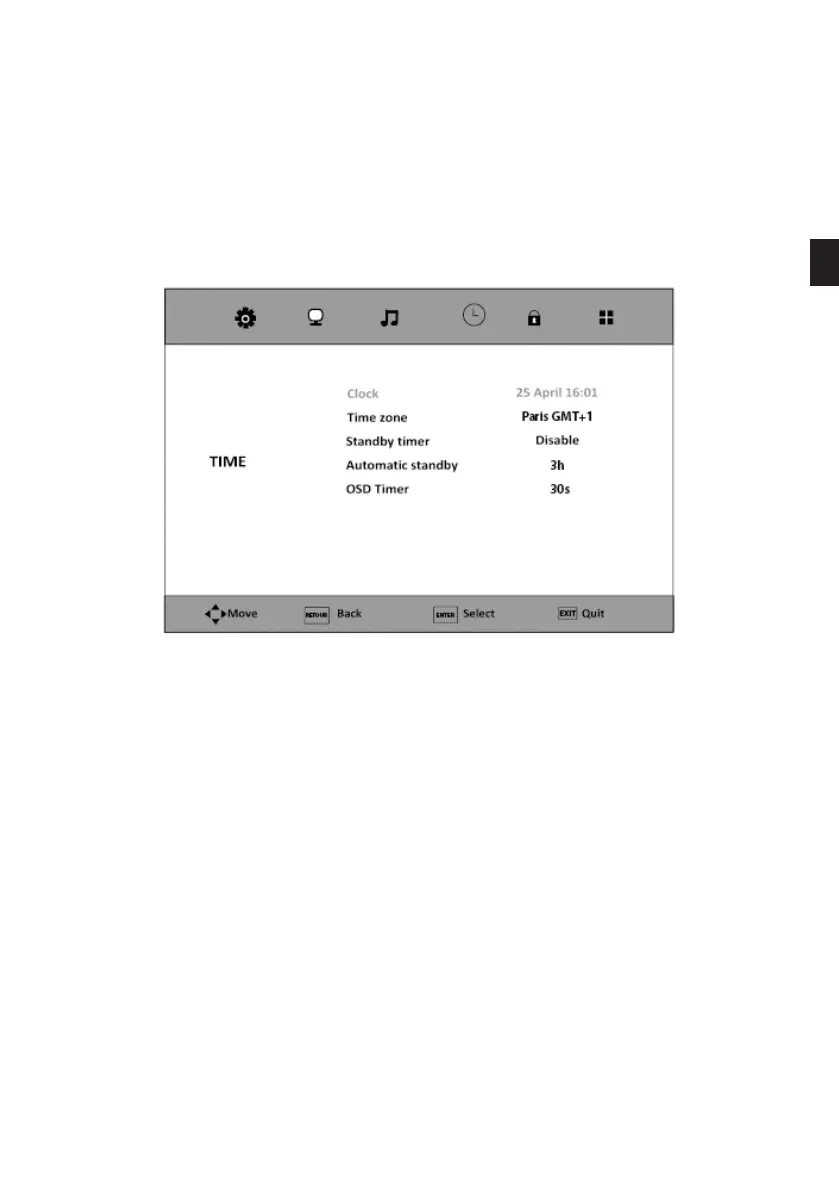
• TIME menu
CLOCK
The date and time are set automatically when searching for channels.
TIME ZONE
This option allows you to select the time zone, using the and buttons.
EN
83 V.1.0



 To Next Page