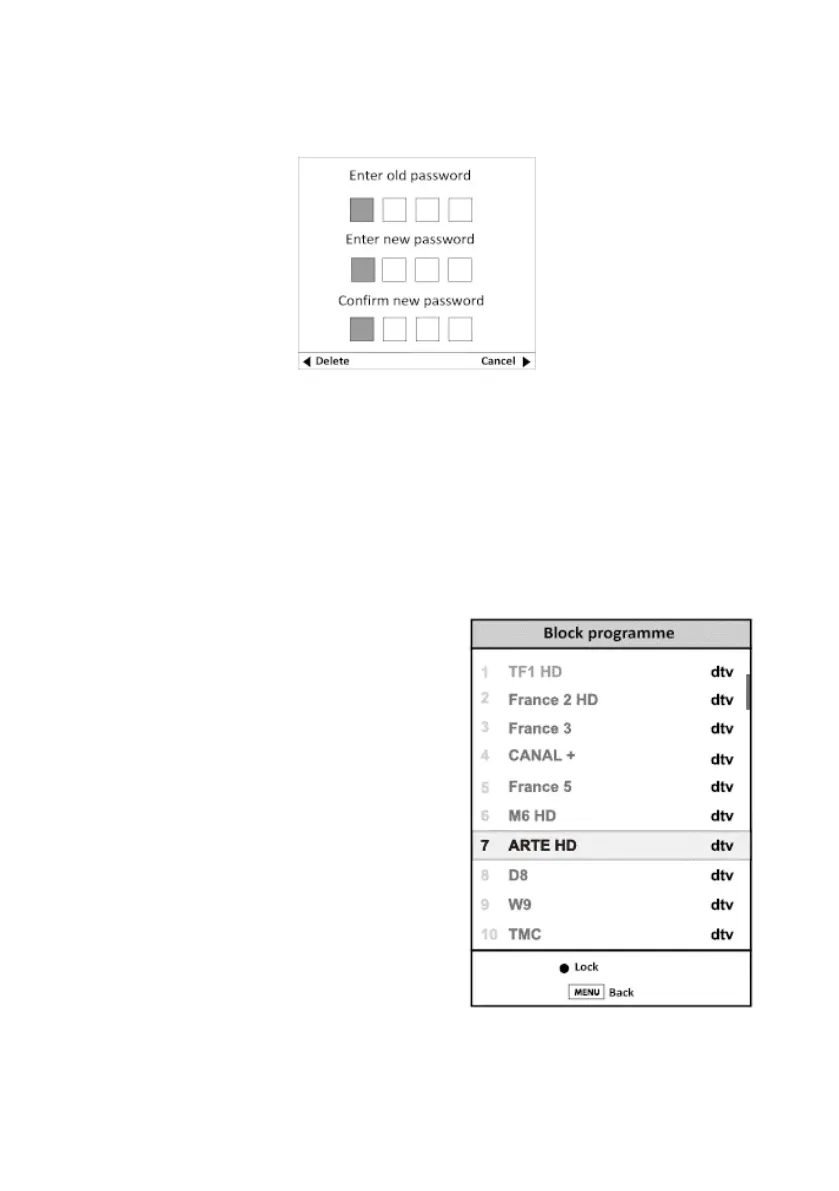
SET PASSWORD
This option allows you to customise the password.
1. Press the number keys "0-9" to enter the old password.
2. Press the number keys to enter the new password.
3. Press the number keys again to conrm the new password and return to the Lock menu.
4. Press the Menu button to return to the main menu, or press the Exit button to exit the
menu.
BLOCKING A PROGRAMME
You can block certain programs by pressing the green
button. A padlock appears. If you want to cancel the
channel block, select the channel and press the green
button again.
V.1.0 86



 To Next Page