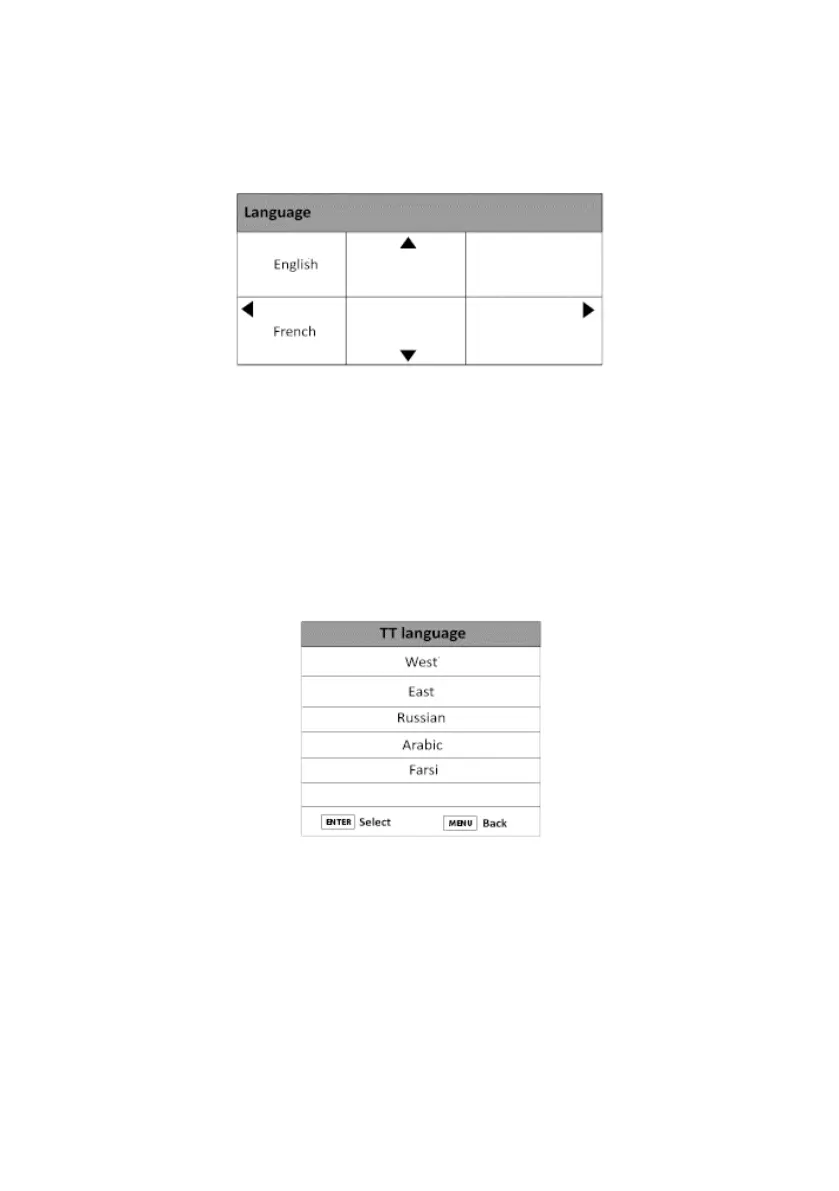
LANGUAGE
This function allows you to set the menu language (English or French)
1. Press the Menu button and press to select the Setup Menu.
2. Press the button, then select Language with the button.
3. Press ENTER to conrm, and access the Language menu options.
TT (TELETEXT) LANGUAGE
This function allows you to set the audio language (only available in DTT mode).
AUDIO LANGUAGE
1. Press the button to select Audio Language and press ENTER to conrm.
2. Press or to select your preferred audio language.
3. Press ENTER to conrm.
4. Press the Menu button to return to the main menu, or press the Exit button to exit the
menu.
V.1.0 88



 To Next Page