• Dene a direct recording time
Using the or arrows, select RECORDING TIME, then press or to set a maximum
recording time (1 hour to 6 hours).
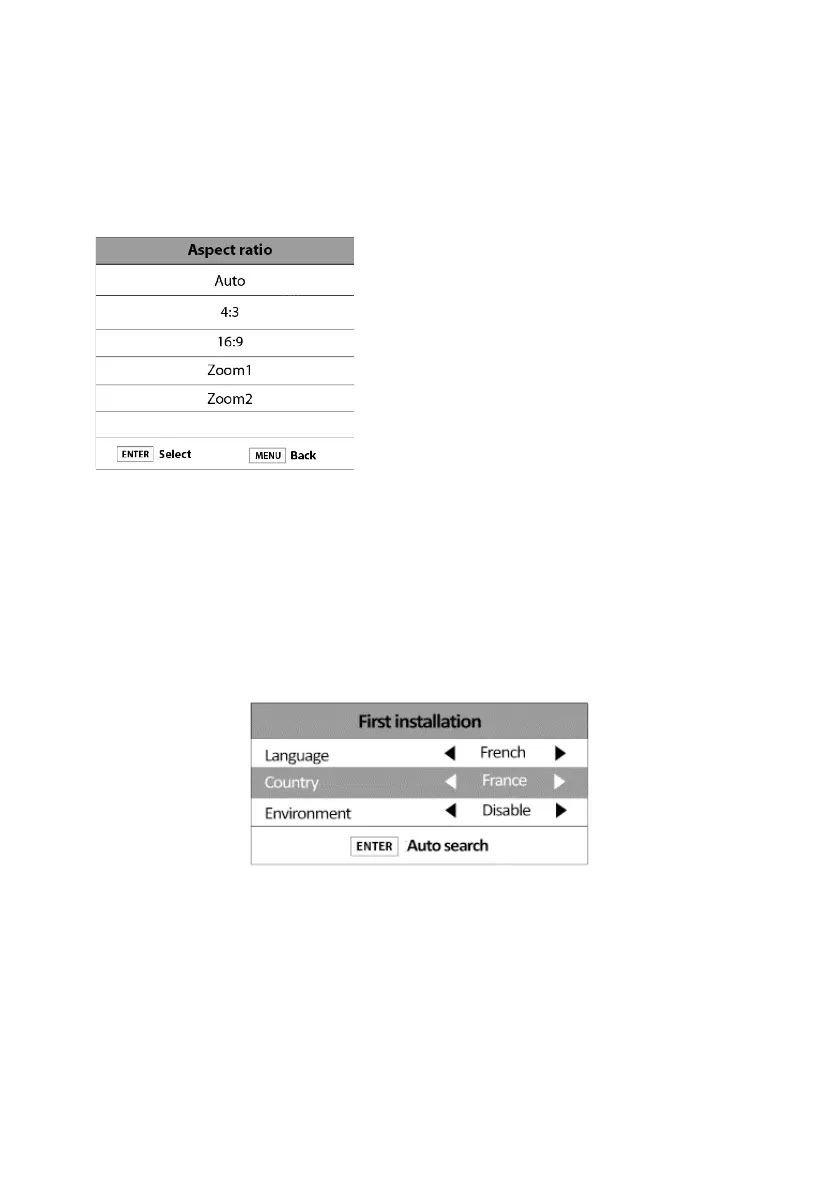
ASPECT RATIO
Use this function to select an aspect ratio: Auto, 4:3,
16:9, Zoom1 or Zoom2.
BLUE SCREEN
This function allows you to enable or disable the appearance of a blue background colour on
some images.
FIRST INSTALLATION
This function allows you to restart the rst time you switch on the television.
V.1.0 90



 To Next Page