• You can also display information about a video le by waiting a few seconds after selecting
the le without pressing the ENTER button.
• Press the red button to delete the selected le, then press the arrow to conrm.
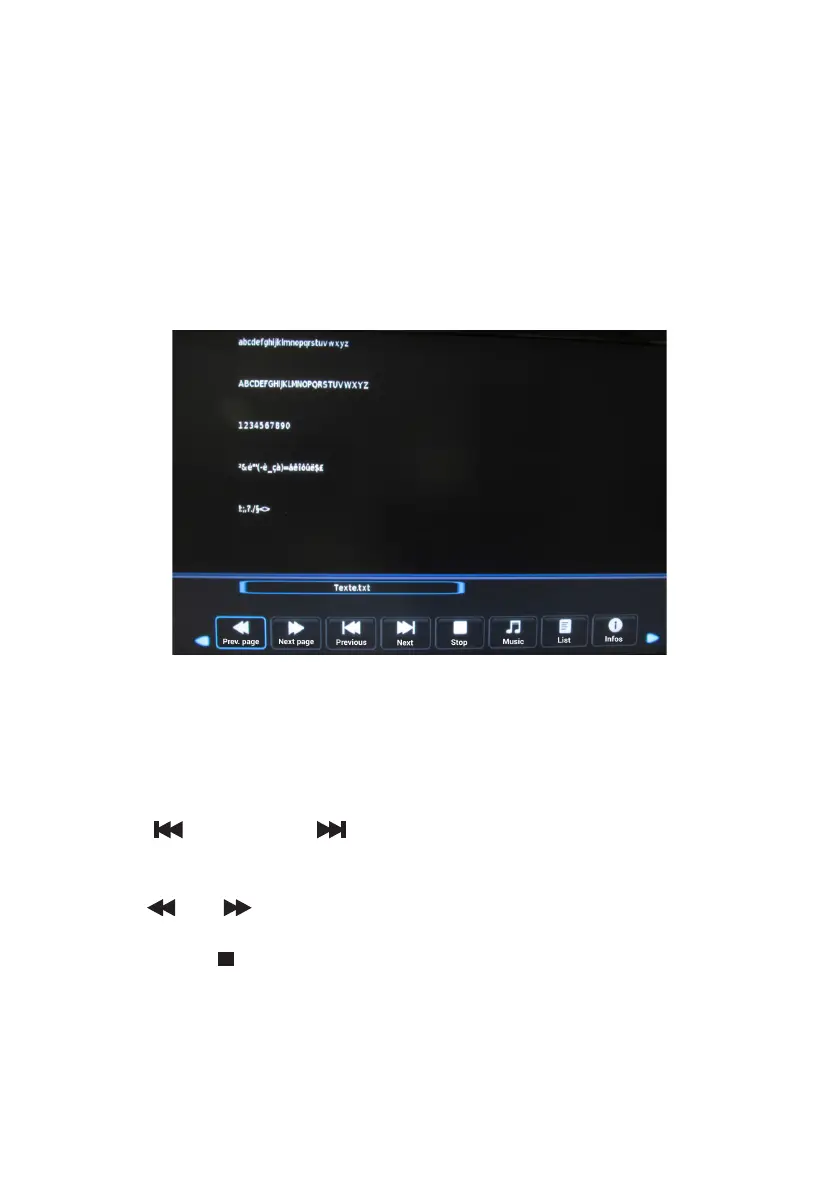
• Consulting a text le
Select a video le from the list using the or buttons, then press the ENTER button to start
playback.
During playback:
• Press the ENTER button to enter the menu bar (play, repeat, list, info, rotate, zoom, move).
• Use the (previous) and (next) buttons on the remote control to move to the
previous or next text le.
• Use the and buttons on the remote control to go to the previous or next page.
• Press the EXIT or button to return to the photo list.
V.1.0 96



 To Next Page