TR101 Motherboard
8
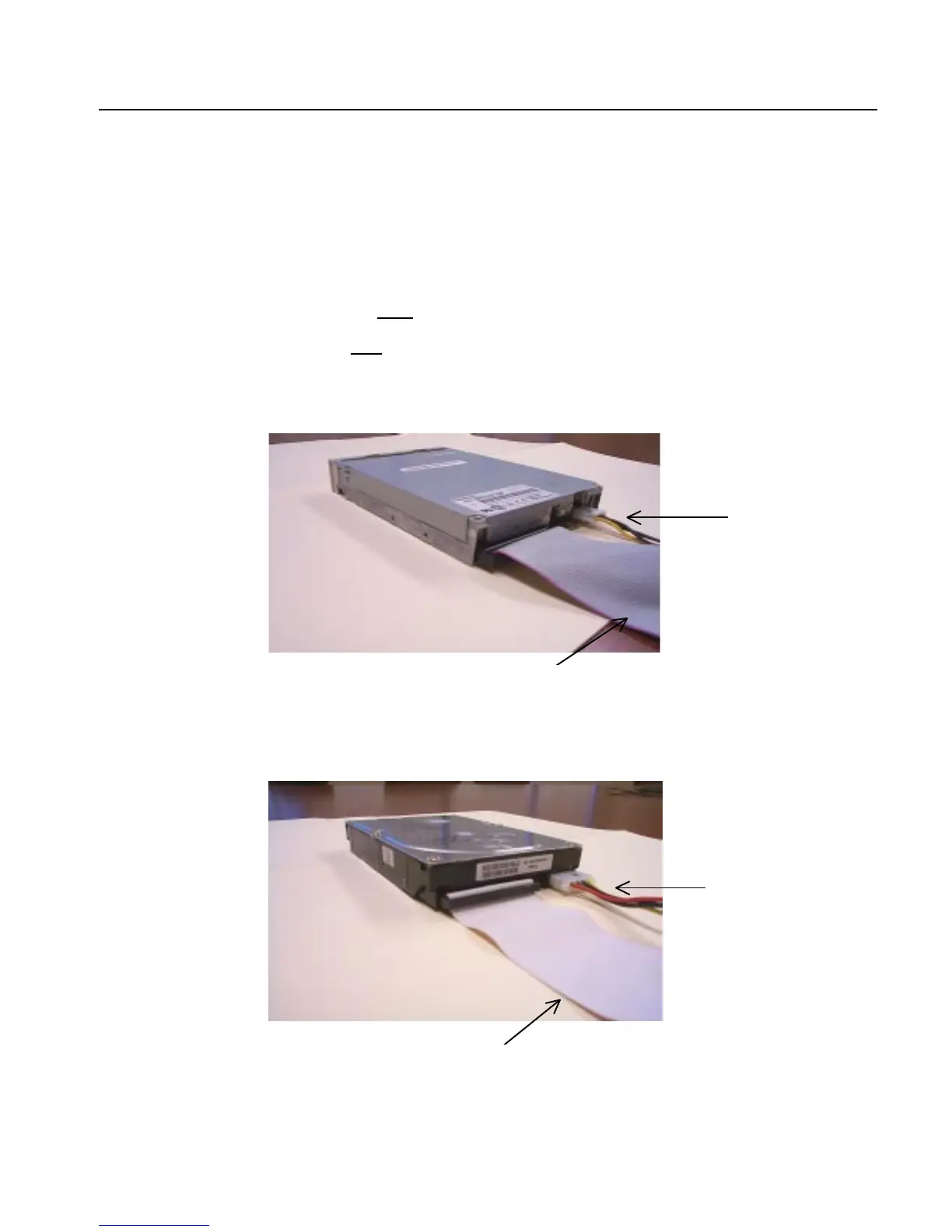
Connect Floppy and IDE Drives
NOTE:
If installing two IDE devices on the same ribbon cable, one device is to be set as “master” and the
second as “slave”. Please refer to IDE device manuals for master and slave settings.
1. Mount the desired drives into the chassis case.
2. Connect the floppy disk ribbon cable and power cable into the device. The side of the cable with the
red stripe must be inserted to Pin1
of the floppy disk drive.
3. Connect the IDE ribbon cable and power cable into the device. The side of the cable with the red
stripe must be inserted to Pin1
of the hard drive.
Power Cable
Floppy Disk Drive
Floppy Disk Ribbon Cable
Hard Disk Drive
Power Cable
IDE Ribbon Cable



 To Next Page