TR101 Motherboard
7
Connecting IDE and Floppy Disk Cables
1.
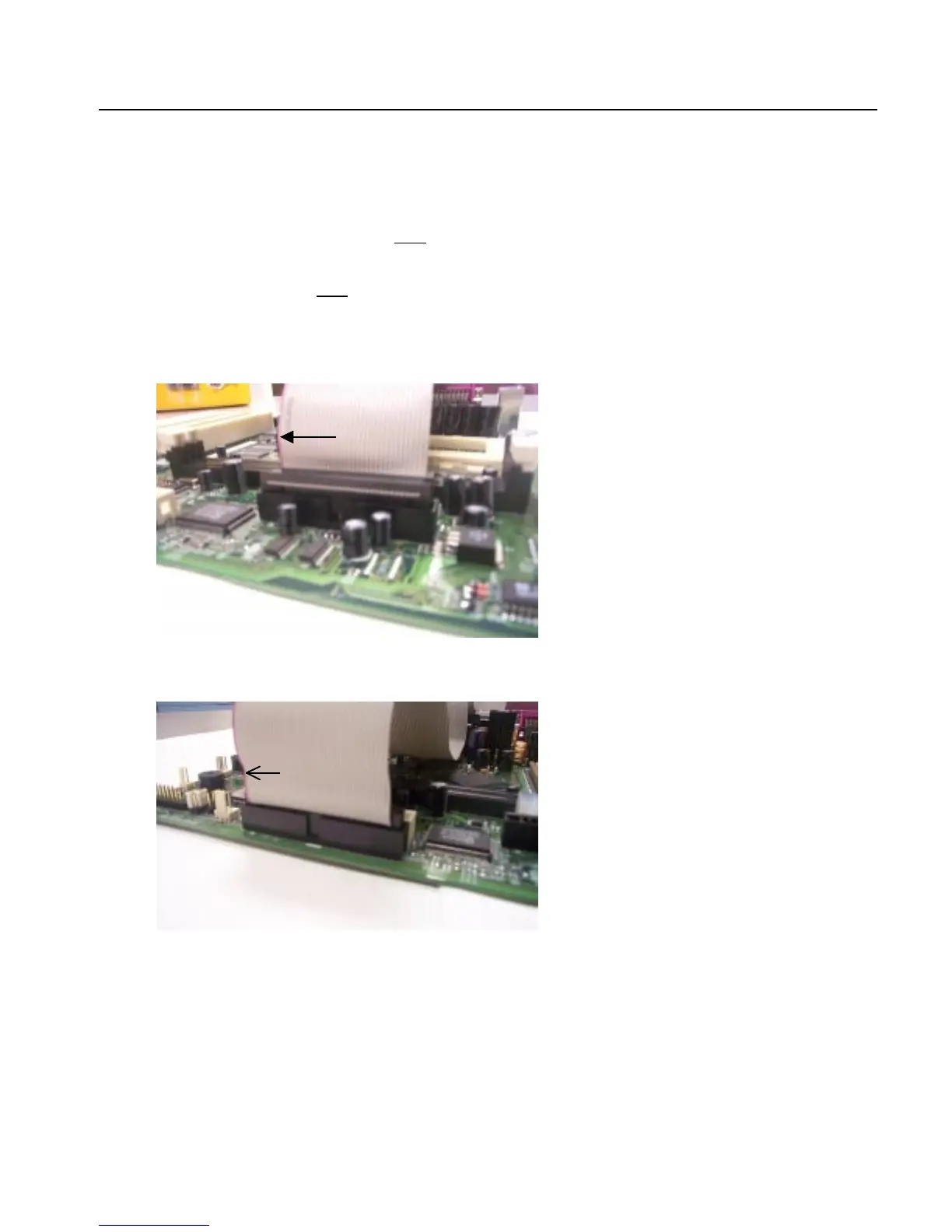
Connecting the floppy disk ribbon cable into the motherboard.
The side of the cable with the red
stripe needs to be inserted into the Pin1
side of the floppy disk connector.
2.
Connecting the IDE ribbon cable into the motherboard.
The side of the cable with the red stripe
should be inserted into Pin1
side of the IDE connector.
Floppy Connector
IDE Connectors
Red Stripe
to Pin1
Red Stripe
to Pin1



 To Next Page