TR101 Motherboard
13
Jumper Introduction
Jumper Settings
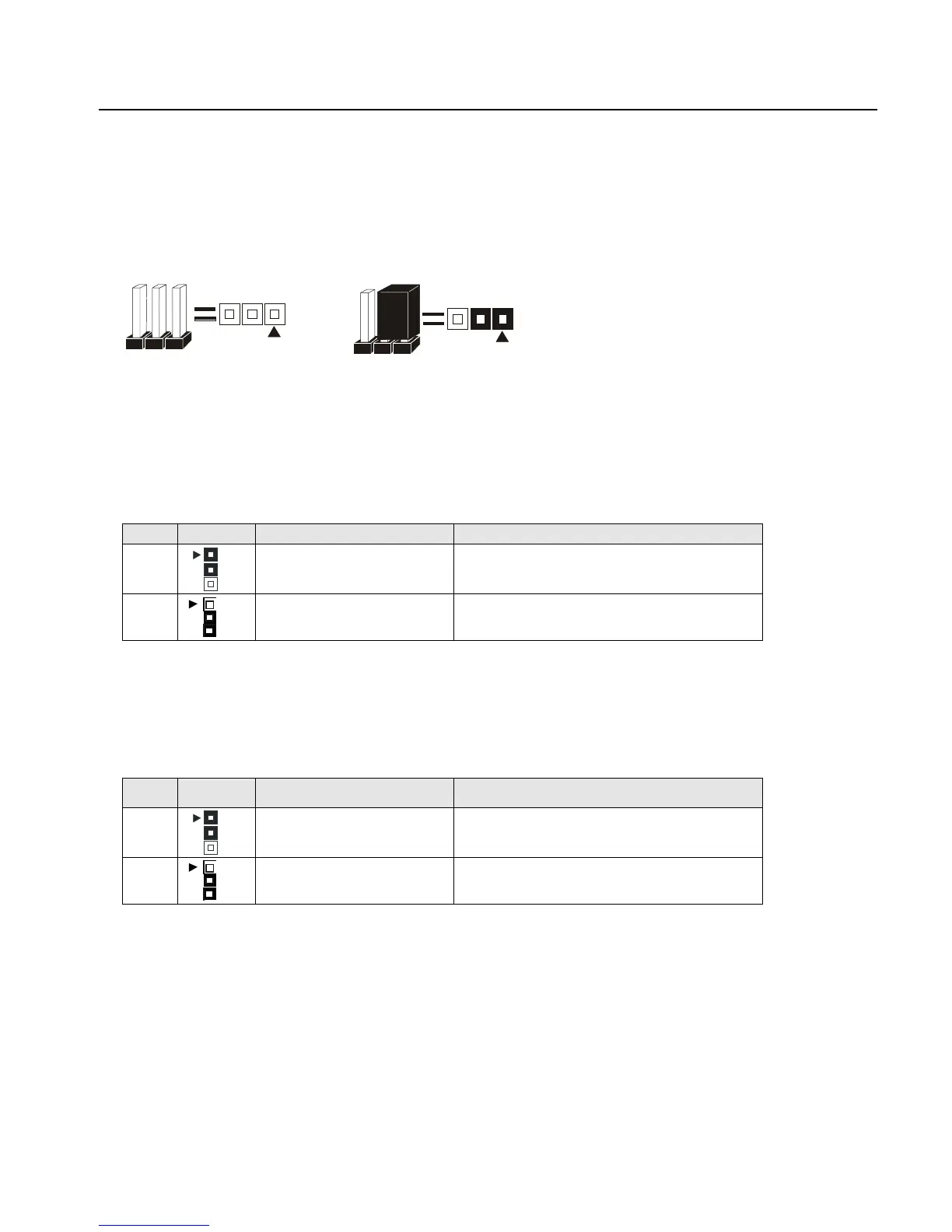
The following graphic shows the meaning of the jumper with cover and without cover.
PIN 1
PIN 1
OFF ON (1-2)
FWH Lock
This jumper allows you to set FWH lock.
Reference: JP1
Connector Type: 1 x 3
JP1 Description Jumper Placement
1-2
FWH Lock Put the jumper cover on pin1 and pin2.
2-3
FWH Unlock (Default) Put the jumper cover on pin2 and pin3.
Safe Speed
This jumper allows you to set safe speed.
Reference: JP2
Connector Type: 1 x 3 male straight 0.100
JP2 Description Jumper Placement
2-3
Safe Speed Put the jumper cover on pin1 and pin2.
1-2
Normal Mode(Default) Put the jumper cover on pin2 and pin3.



 To Next Page