TR101 Motherboard
6
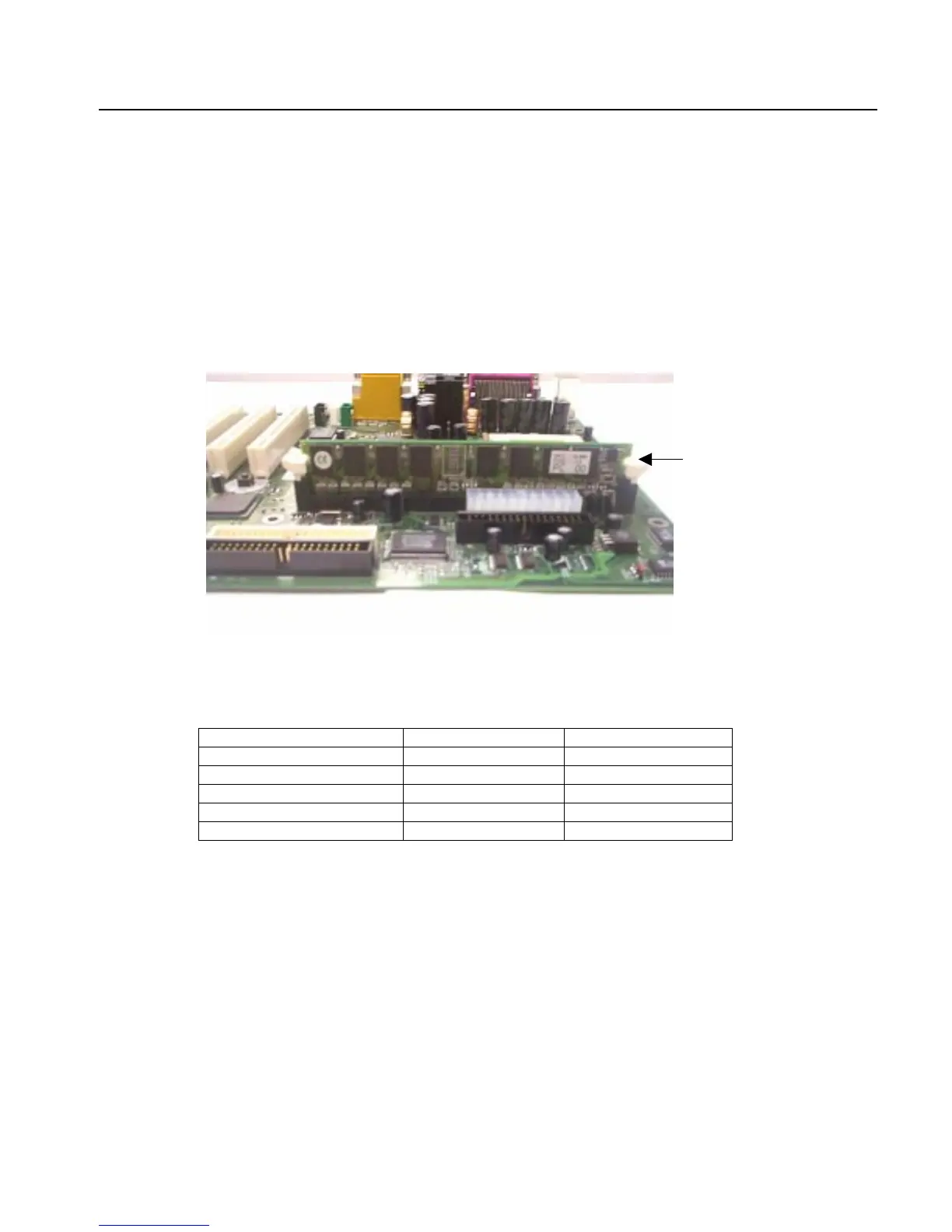
Installing Memory Modules
1. Push the white retaining clips on each of the memory socket outwards.
2. Match the notches on the contact edge of the memory module to the ridges in the memory socket.
3. Insert the memory module vertically into place. When properly inserted, the white retaining clips will
move inward to lock in the module.
4. Repeat installation process when adding additional modules.
Total Memory Sizes With SDRAM DIMM
Devices used on DIMM 1 DIMMx64/x72
2 DIMMsx64/x72
64 Mbit (2Mx8x4 banks) 128 MBytes 256 MBytes
64 Mbit (1Mx16x4 banks) 64 MBytes 128 MBytes
128 Mbit (4Mx8x4 banks) 256 MBytes 512 MBytes
128 Mbit (2Mx16x4 banks) 128 MBytes 256 MBytes
256 Mbit (4Mx16x4 banks) 256 MBytes 512 MBytes
Retaining Clip



 To Next Page