TR101 Motherboard
4
Chapter 2 Hardware Installation Process
Installing the Central Process Unit (CPU)
CPU Installation
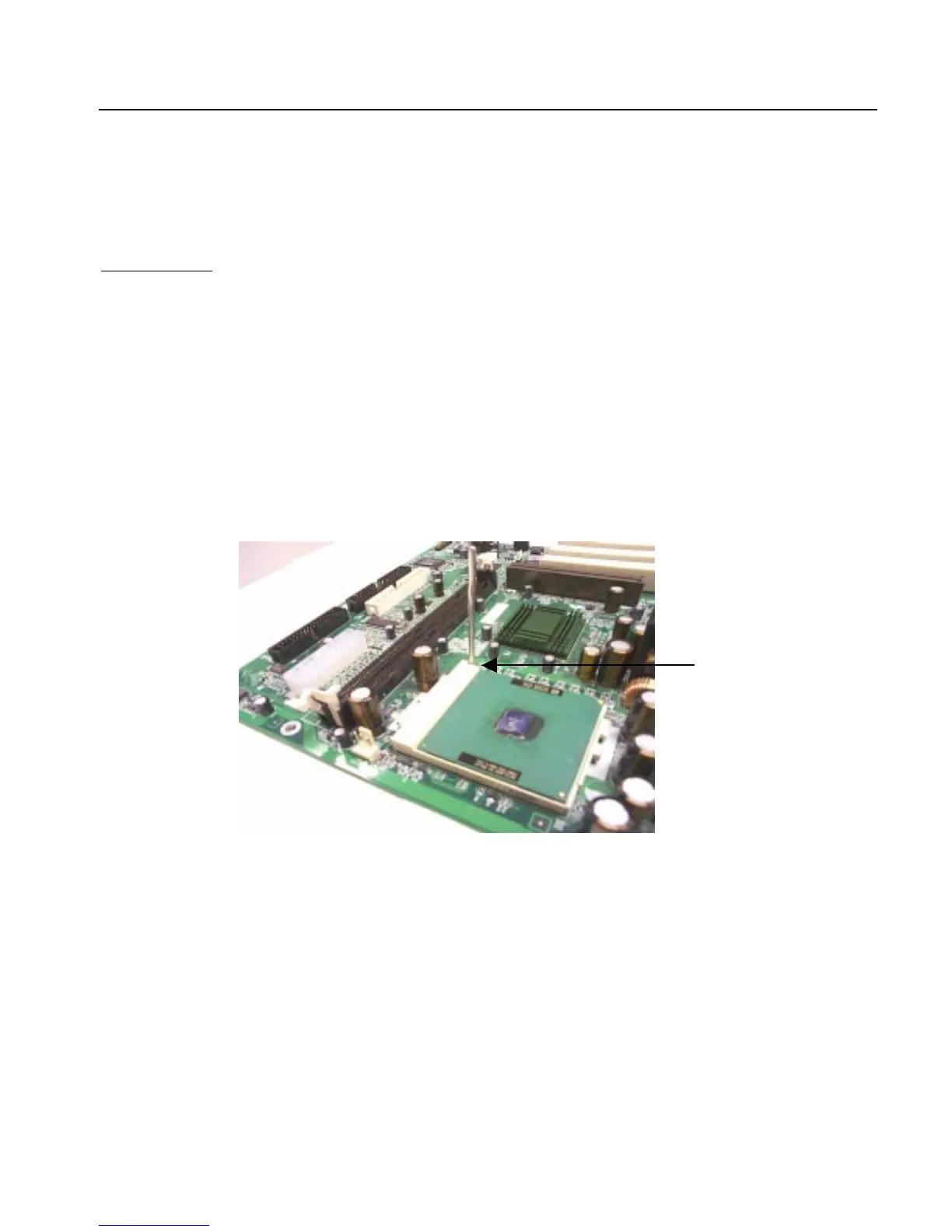
1. Unlock the CPU socket by pulling the lever up to a 90-degree angle.
2. Position the CPU above the socket such that the
marked
corner (pin1) matches the corner near the base
of the lever.
3. Place the CPU into the socket. If the CPU is unable to insert properly, check its orientation and attempt
to re-install.
Warning!
Do not force the CPU into the socket. Doing so will prompt bending of the pins and create
damage to the CPU.
4. Close the socket by lowering the lever and locking the lever in place.
90 degree angle



 To Next Page