TR101 Motherboard
12
I/O Back Panel Introduction
cont….
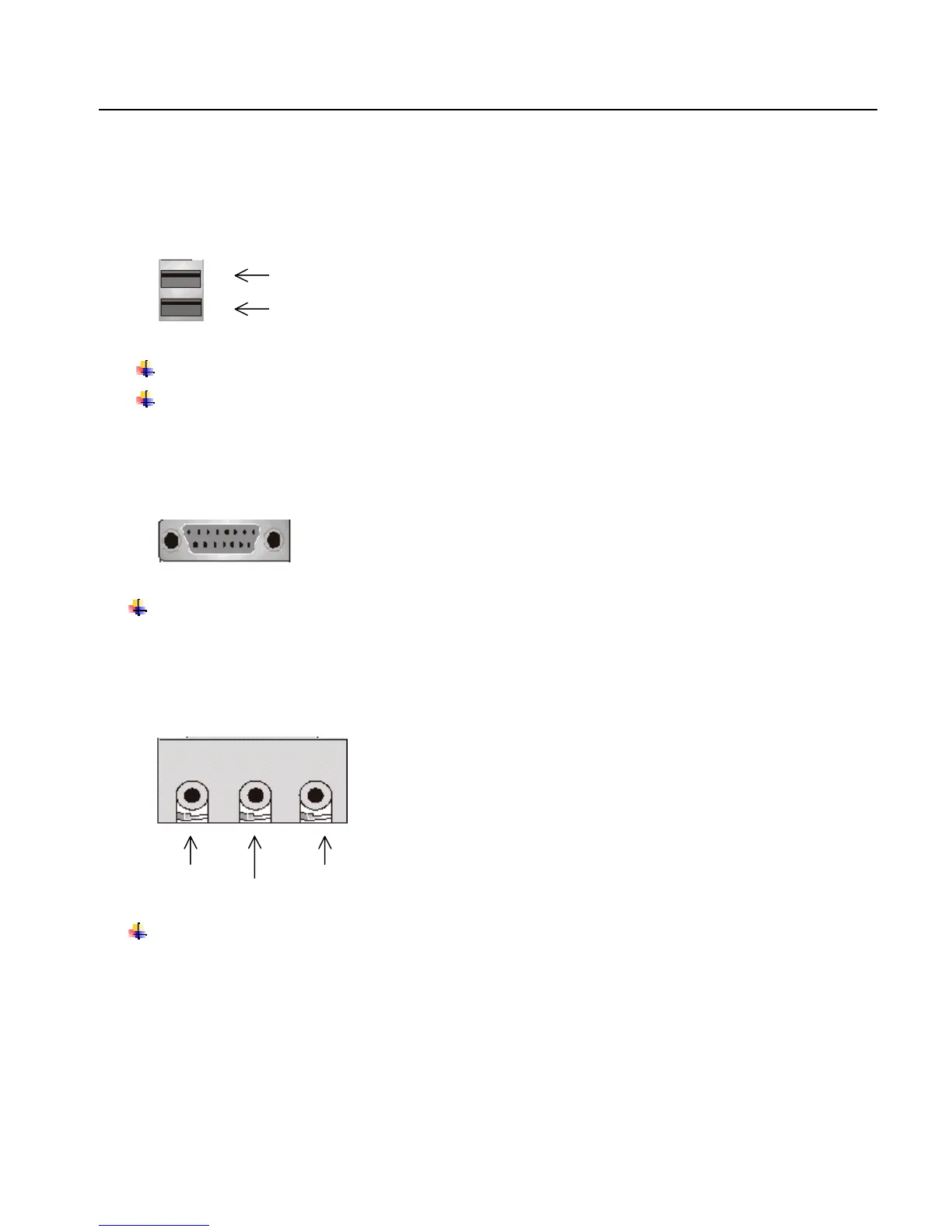
(3) USB Connector
Before connecting device(s) into the USB connections, determine if devices have a standard interface.
Make sure your computer Operating System (OS) supports the USB controller. If not, contact your OS
or device(s) vendors for more information.
(4) Game Port
This connector supports joystick, MIDI keyboard and other related audio devices.
(5) Audio Connectors
Once onboard audio driver has been installed, the speakers may be connected into the Line out jack,
audio devices such as CD-ROM etc., and a microphone into the MIC in jack.
Line out
Line In
MIC in
USB 1
USB 2



 To Next Page