LIVA X
2
MINI PC USER MANUAL
45
Chapter 3
Windows 8.1 will appear below UAC (User Account Control)
message after the system restart. You must select “Yes” to
install the next driver. Continue this process to complete the
drivers installation.
Drivers and software are automatically installed in sequence.
Follow the onscreen instructions, confirm commands and
allow the computer to restart a few times to complete the
installation.
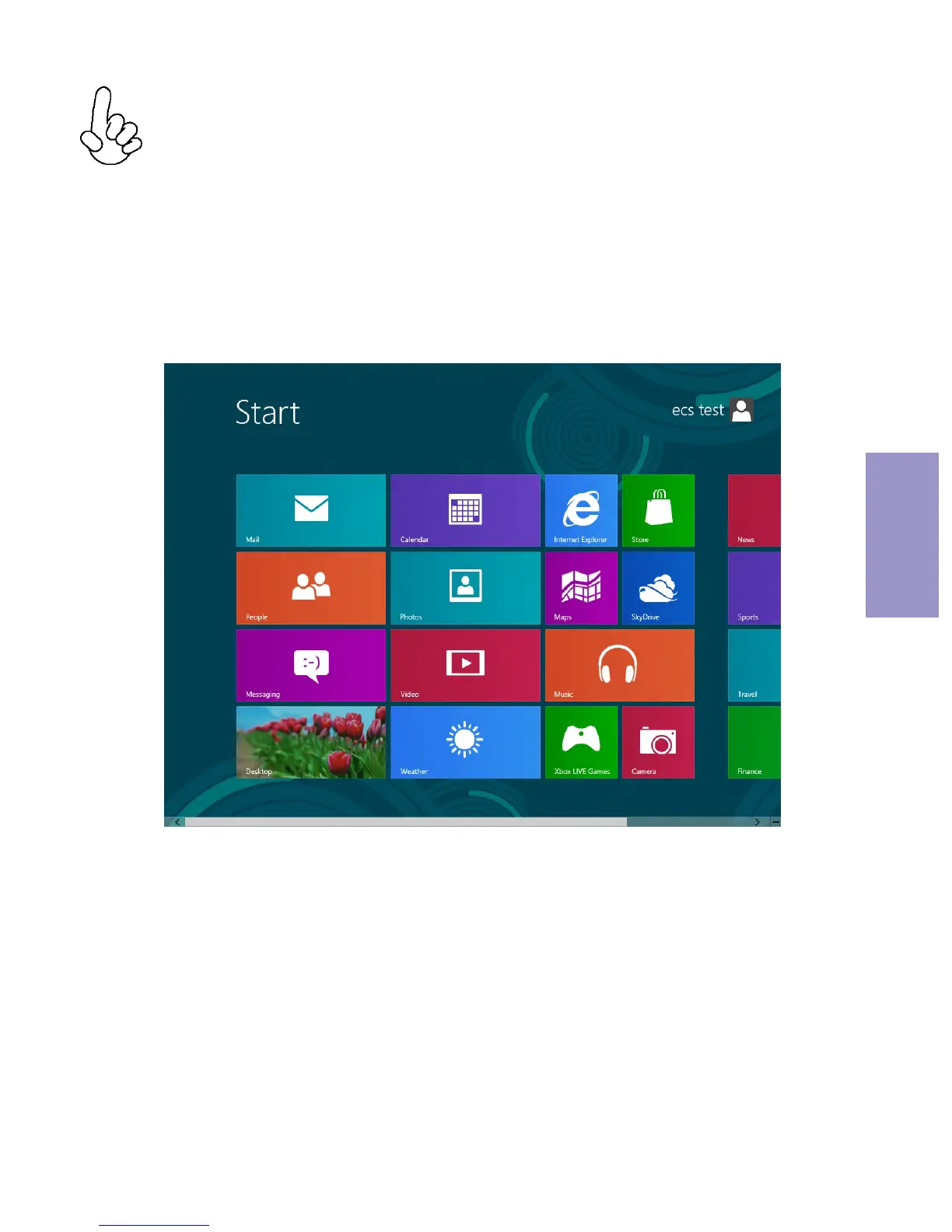
Windows 8.1 will show the following screen after system
restart, you must select “Desktop” in the bottom left to
install the next driver.



 To Next Page