17
Turning on and o your Lively Mobile2
Turning on
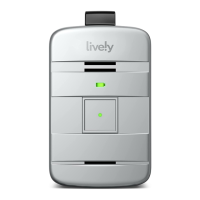
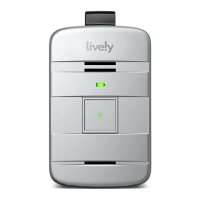
Press and hold the power button for two seconds. The service indicator
will turn green and the battery indicator will start lashing green.
Alternatively, placing your Lively Mobile2 into the charging dock will also
turn on your device if it was previously turned o.
After a few moments, you will hear a tone and a voice prompt of “Welcome to Lively.” The service
indicator on the back of the device will begin lashing green indicating that the device is turned on
and ready to use.
The battery indicator will lash intermittently to save power if the device does not require charging.
If the battery indicator is lashing amber or red, the battery level is low—place the device in the
charging dock as soon as possible.
Getting Started


 To Next Page