28
Using Your Lively Mobile2
About the Service Indicator
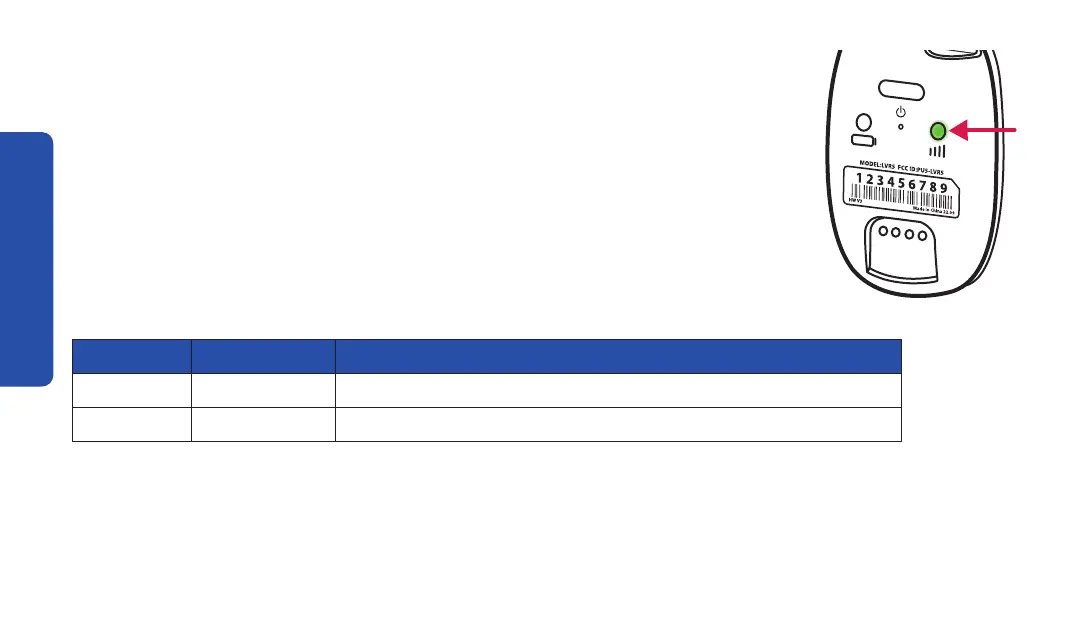
The service indicator is located on the back of your Lively Mobile2. The
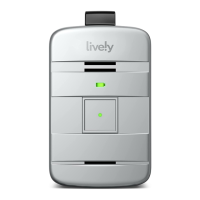
service indicator will lash to let you know whether or not you have cellular
coverage and if the device is turned on and ready to use.
Refer to the table below for the common light patterns you will see from
the service indicator.
Color Pattern Meaning
Green Flashing Good cellular coverage and ready to use
Red Flashing No cellular coverage, try another location


 To Next Page