44
Managing Your Account
Sending a Tone to Find a Misplaced Lively Mobile2
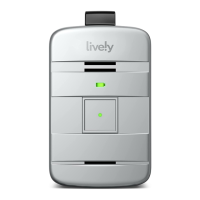
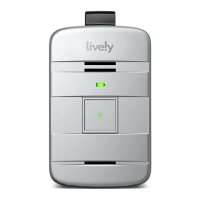
If you have lost or misplaced your Lively Mobile2, a special tone can be played to help you ind it.
Simply use the “Ping Lively” feature found on lively.com/myaccount to send a distinctive tone to
your Lively Mobile2. The “Ping My Lively” tone will play for a limited time and then stop.
If you ind your Lively Mobile2 while the special tone is playing, press and release the Call Button to
stop the tone.


 To Next Page