Chapter 2: Using Your Pulse Smartpen
Orienting Your Display
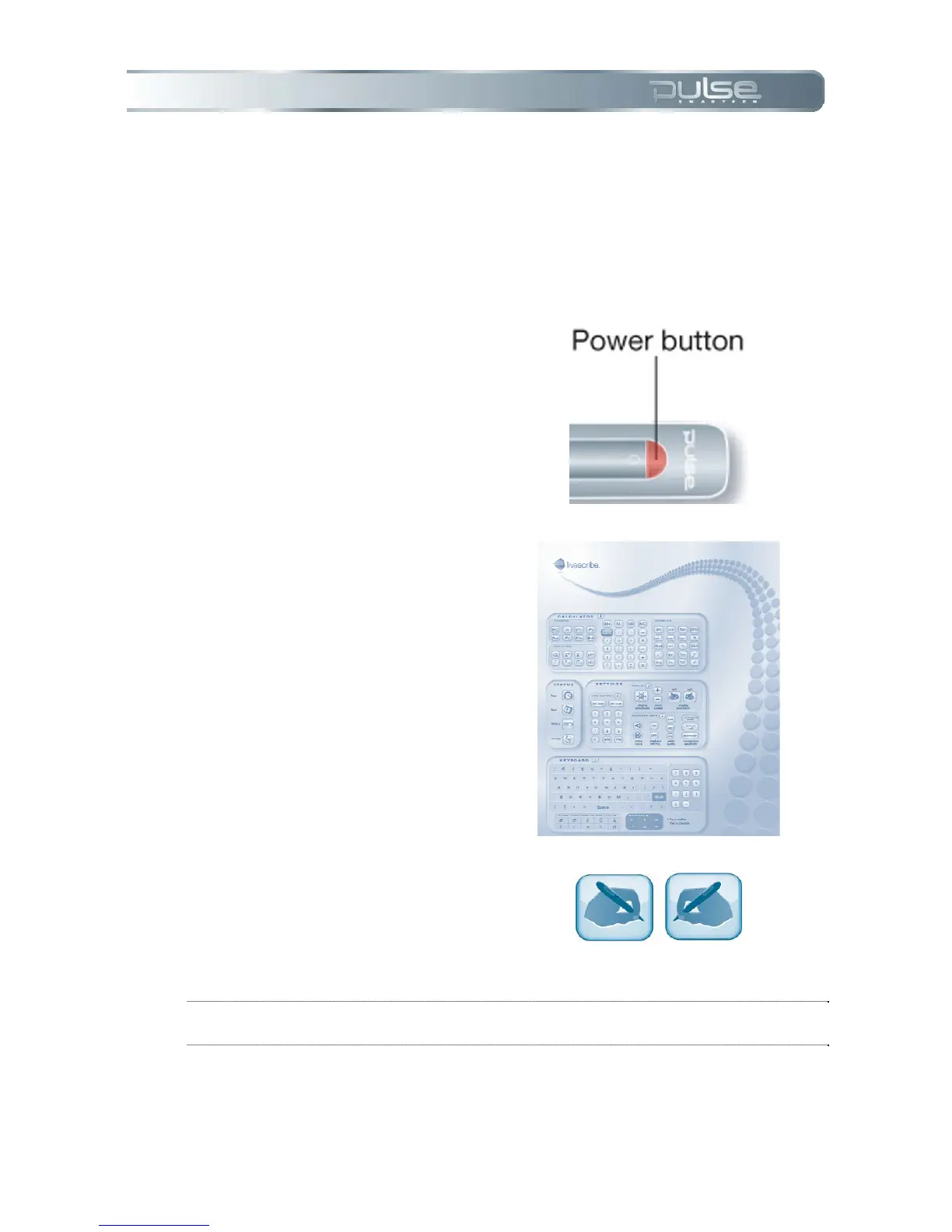
1. Turn your Pulse smartpen on
by pressing the Power button.
2. Open the inside cover of your
notebook.
3. Under Settings, tap on the Left
or Right button to orient your
display for left- or right-handed
use.
NOTE: To learn about Scroll Speed and Brightness settings refer to Chapter 5:
Pulse Smartpen Settings.



 To Next Page