Page 12 Pulse
TM
Smartpen User Manual
Setting Time and Date
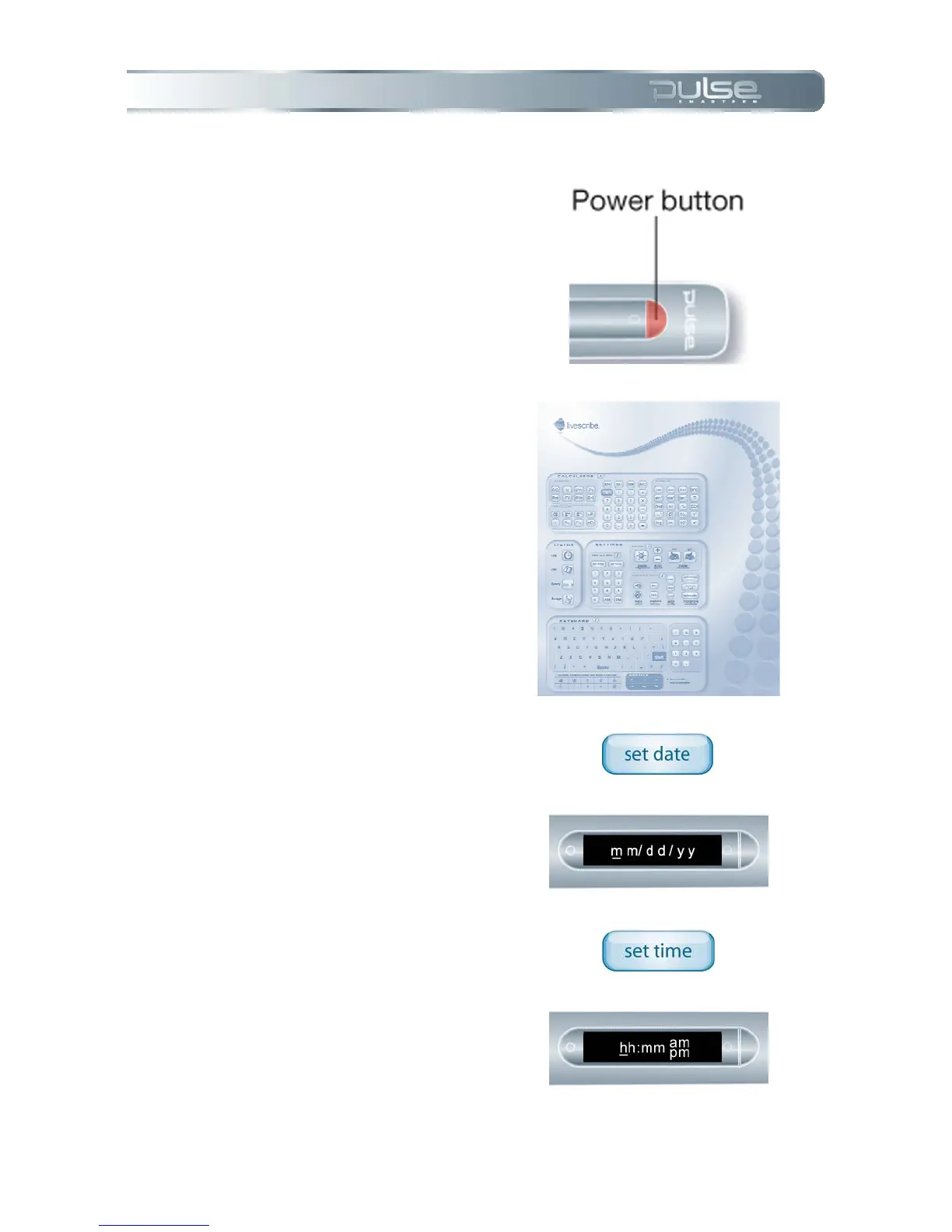
1. Turn your Pulse smartpen on
by pressing the Power button.
2. Open the inside cover of your
notebook.
3. Under Settings, tap the Set
Date button and use the printed
keypad to enter the date.
a. Example: Tapping
061208 sets the date to
Thursday, June 12, 2008.
4. Tap the Set Time button and
use the printed keypad to enter
the time.
a. Example: Tapping
1201PM sets the time to
12:01PM.



 To Next Page