Page 20 Pulse
TM
Smartpen User Manual
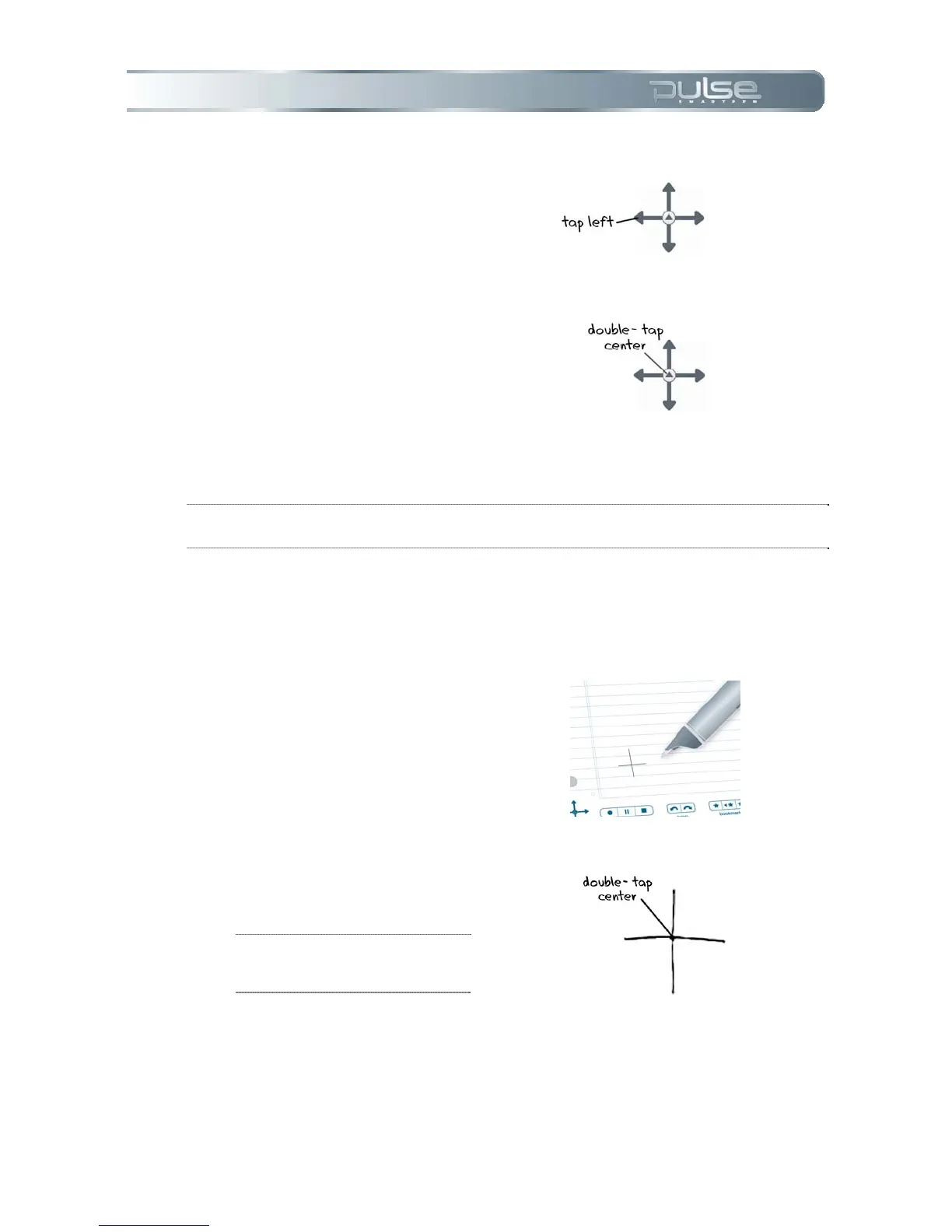
8. To return to the Main Menu, tap a
series of lefts OR double-tap on the
center of the Nav Plus to jump to
the Main Menu.
NOTE: Your Pulse smartpen will display small directional arrows to indicate you
can scroll through the menu in that direction.
Drawing a Nav Plus
If a pre-printed Nav Plus is not easily accessible, create your own simply by drawing one.
To draw a Nav Plus:
1. Using any Livescribe dot
paper product, such as the
included notebook, draw
intersecting vertical and
horizontal lines.
2. Promptly double-tap in the
center of the Nav Plus. This
will complete the process of
creating a Nav Plus.
TIP: Once drawn, the Nav Plus
is always accessible for future
use.



 To Next Page