Page 18 Pulse
TM
Smartpen User Manual
Chapter 3: Navigating Your Pulse Smartpen
The Nav Plus
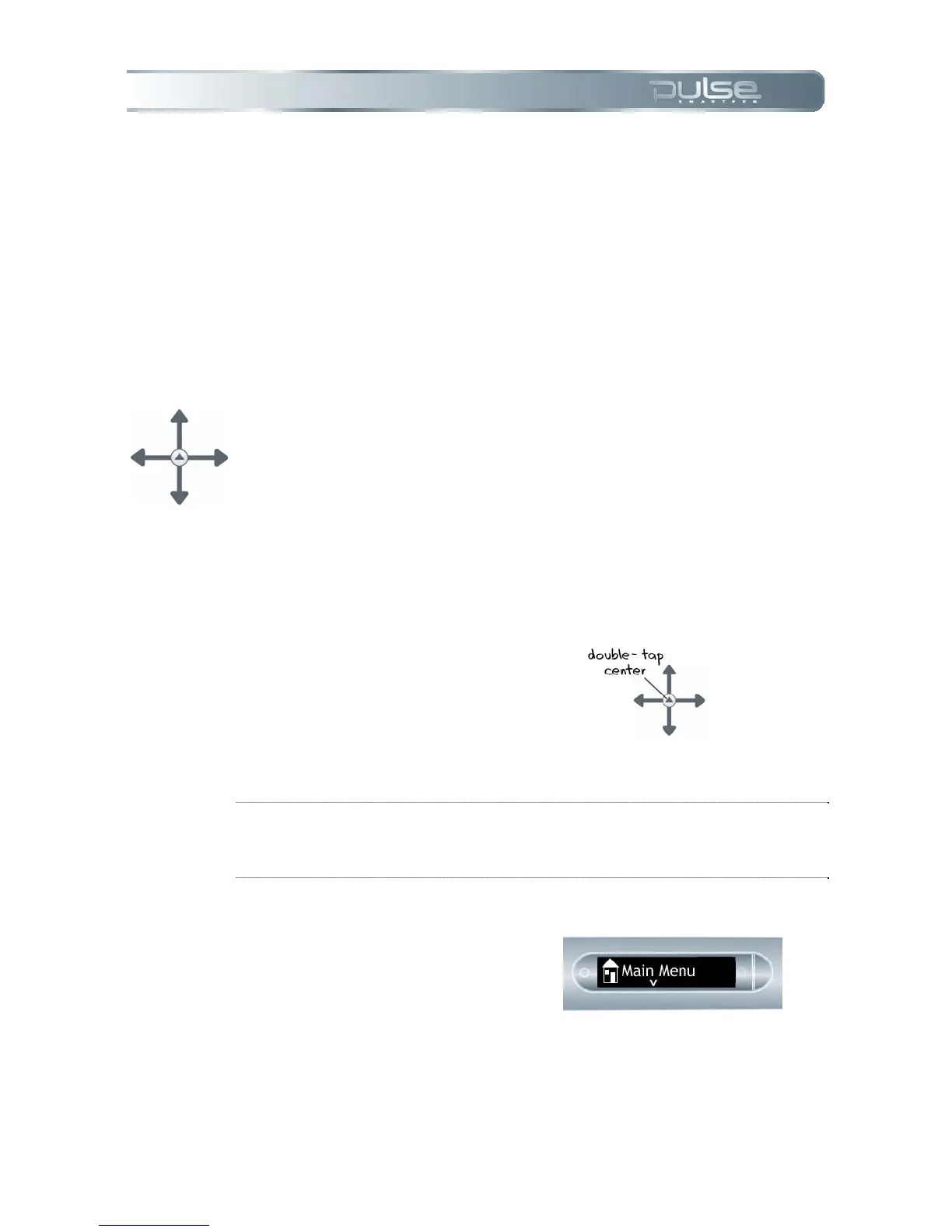
The Nav Plus is a paper-based 5-way navigator that enables you to navigate through the Pulse
smartpen Main Menu and application menus.
Using a pre-printed Nav Plus
You can use any Nav Plus you see printed on any Livescribe dot paper product, such as the
included notebook. To use a printed Nav Plus:
1. Double-tap the center of the Nav
Plus. A double-tap is two taps in
quick succession.
TIP: Double-tapping on the center of a Nav Plus will exit the current application or
sub-menu and take you to the Main Menu. The one exception to this rule is that if
you are recording with Paper Replay, double-tapping the center will take you to the
Main Menu but background recording will continue.
2. Main Menu will be displayed on
your Pulse smartpen.



 To Next Page