Page 58 Pulse
TM
Smartpen User Manual
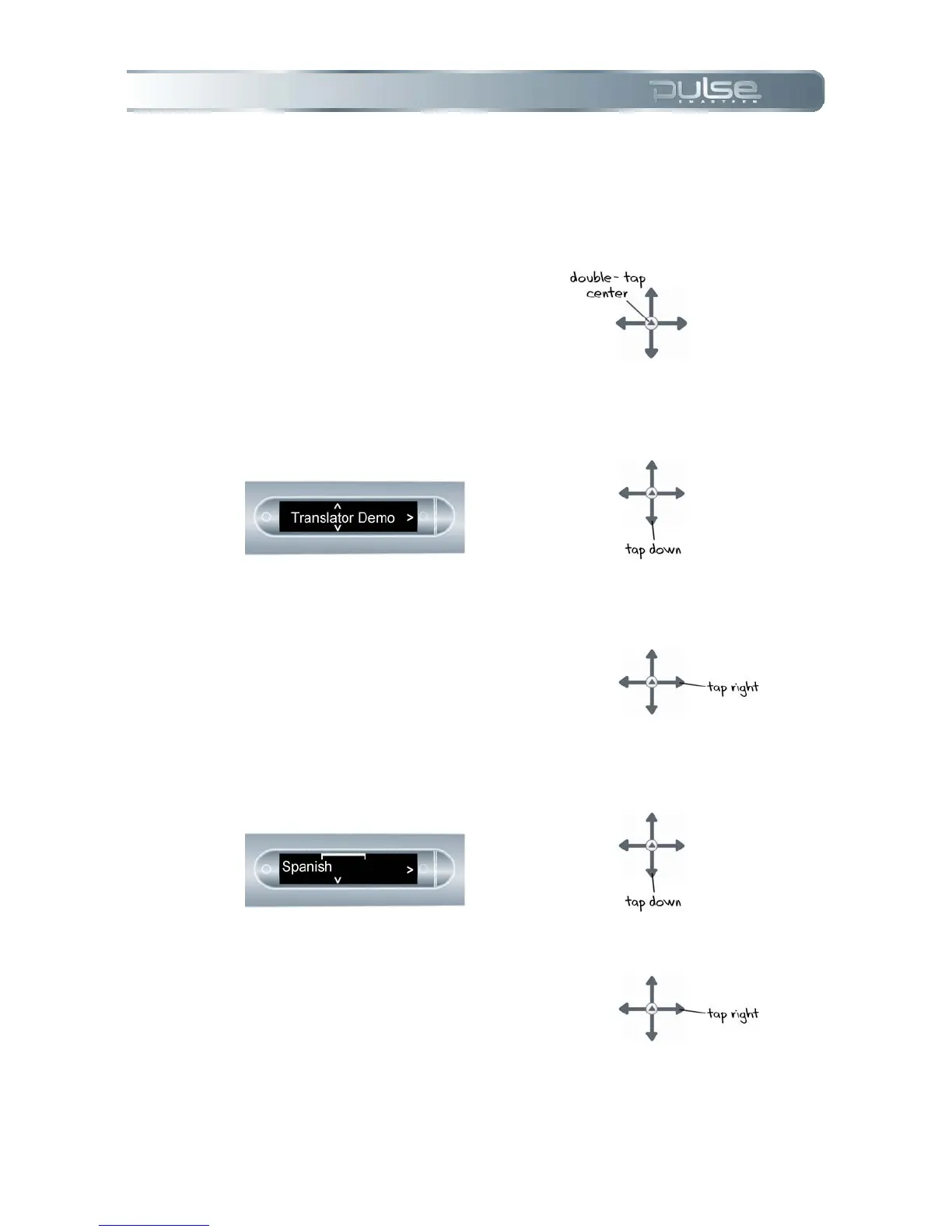
To Launch Translator Demo
There are three ways to launch the Translator Demo.
Using Nav Plus
1. Double-tap the center of a
Nav Plus to get to the Main
Menu.
2. Tap down to scroll to the
Translator Demo.
3. Tap right to launch the
Translator Demo menu.
4. Tap down to scroll through
available languages.
5. Tap right to select a language.



 To Next Page