Page 72 Pulse
TM
Smartpen User Manual
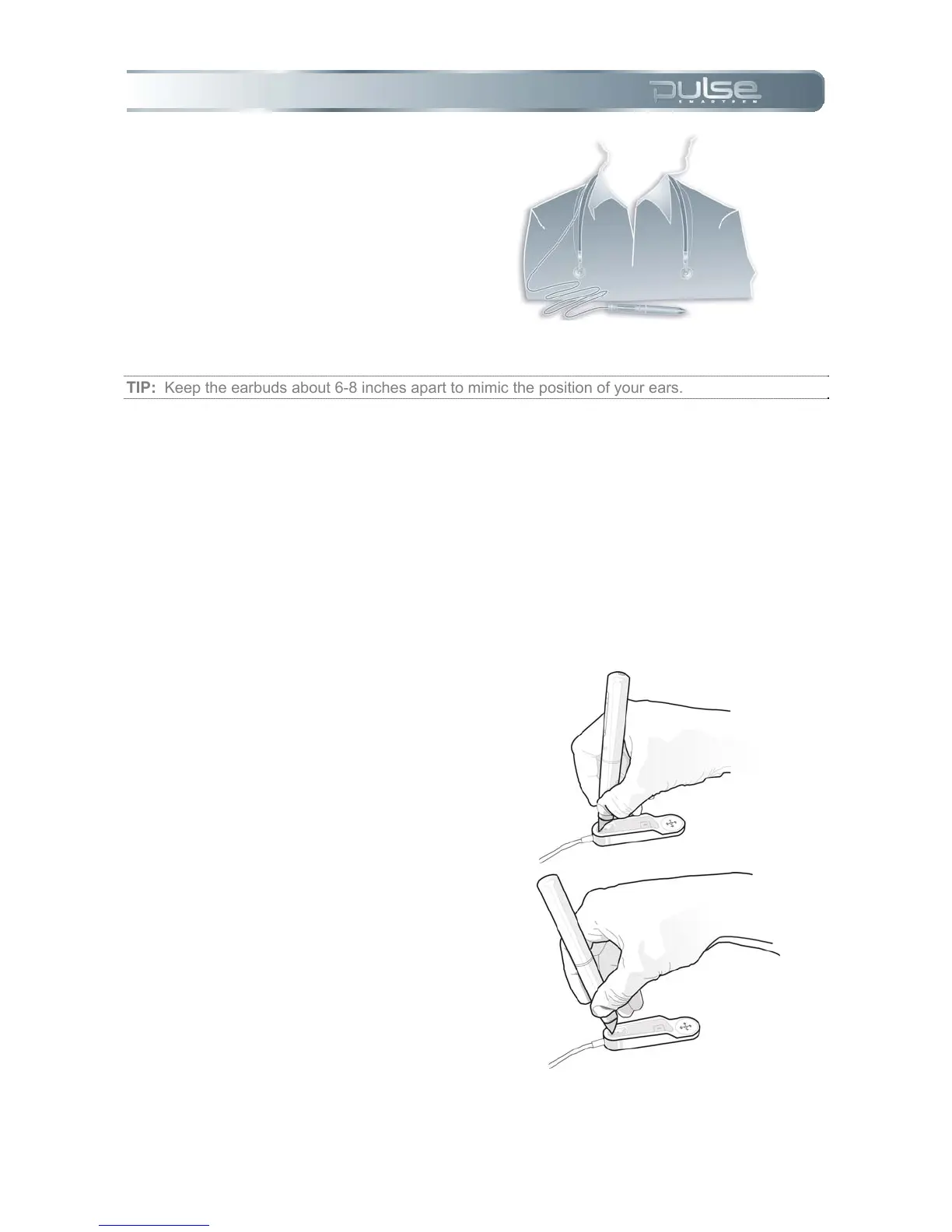
3. Place the neckstrap
around your neck, with
the earbuds resting on
your body.
TIP: Keep the earbuds about 6-8 inches apart to mimic the position of your ears.
USB Mobile Charging Cradle
Your USB mobile charging cradle charges your Pulse smartpen when it is connected to a
computer. The Nav Plus located on the cradle will let you navigate your Pulse smartpen menu
and functionalities when Livescribe dot paper is not available. The cradle will also help you to
replace spent ink cartridges.
Replacing the ink cartridge:
1. Insert your Pulse smartpen ink
tip into the ink cartridge
removal ring.
2. Tilt your Pulse smartpen so
that it firmly rests against the
removal ring.



 To Next Page