Operating manual and inspection booklet
Camping
128 3532085
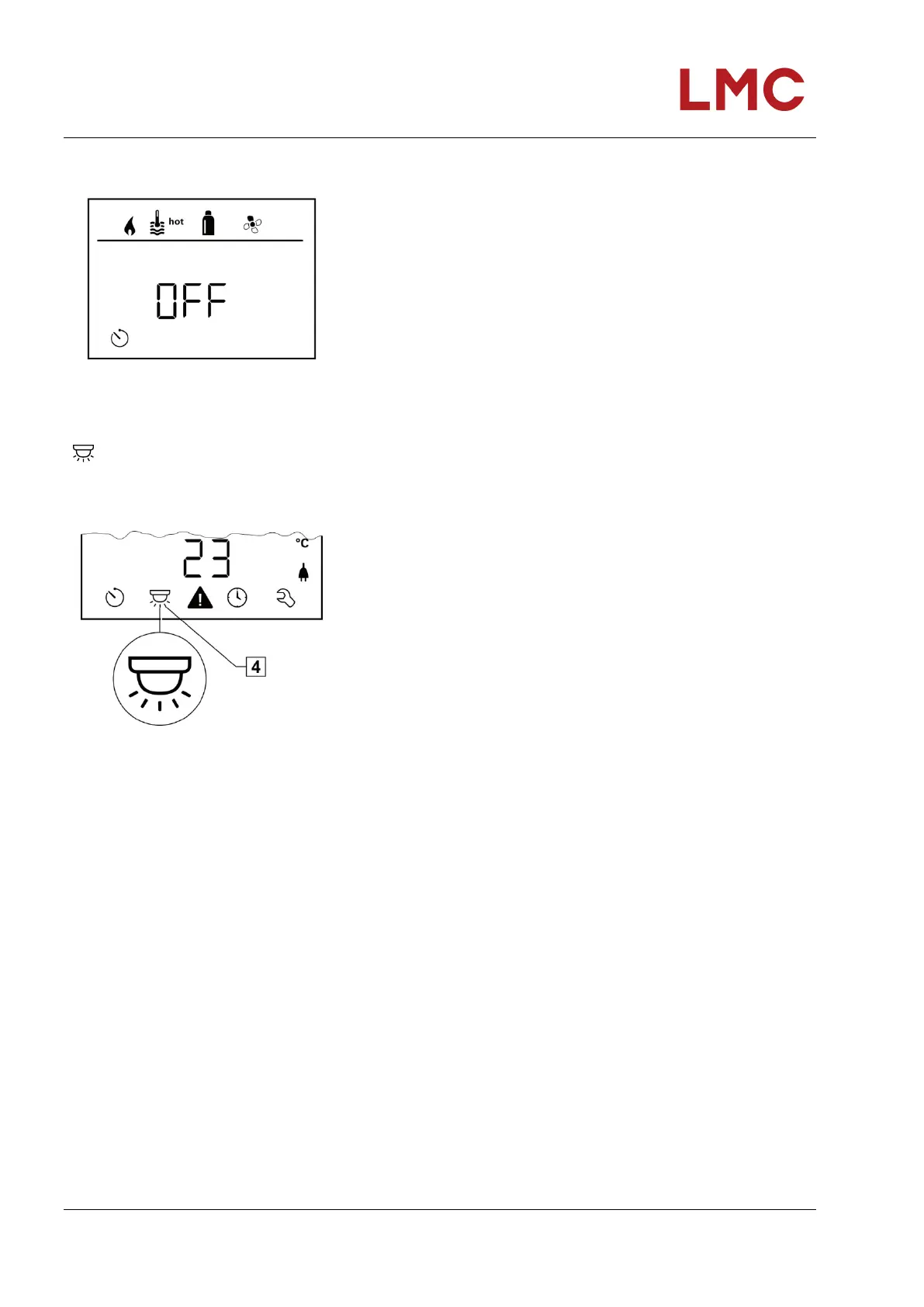
Deactivating the timer (OFF)
Fig. 111: Timer symbol
Change to the setting level by tapping.
Use the rotary/push-button to deactivate the timer (OFF)
Tap rotary/push-button to confirm the value.
Switching the lighting on/off
Available if the air conditioning system is connected
Fig. 112: Lighting symbol
Aventa comfort or Aventa eco
Select the symbol in menu line (4) using the rotary/push-
button.
Change to the setting level by tapping.
Select the desired function with the rotary/push-button.
Switch on 1 – 5 lighting.
Lighting selectable in 5 levels.
OFF - switch off lighting.
Tap rotary/push-button to confirm the value.



 To Next Page