Gocator Line Profile Sensors: User Manual
Gocator Web Interface • 185
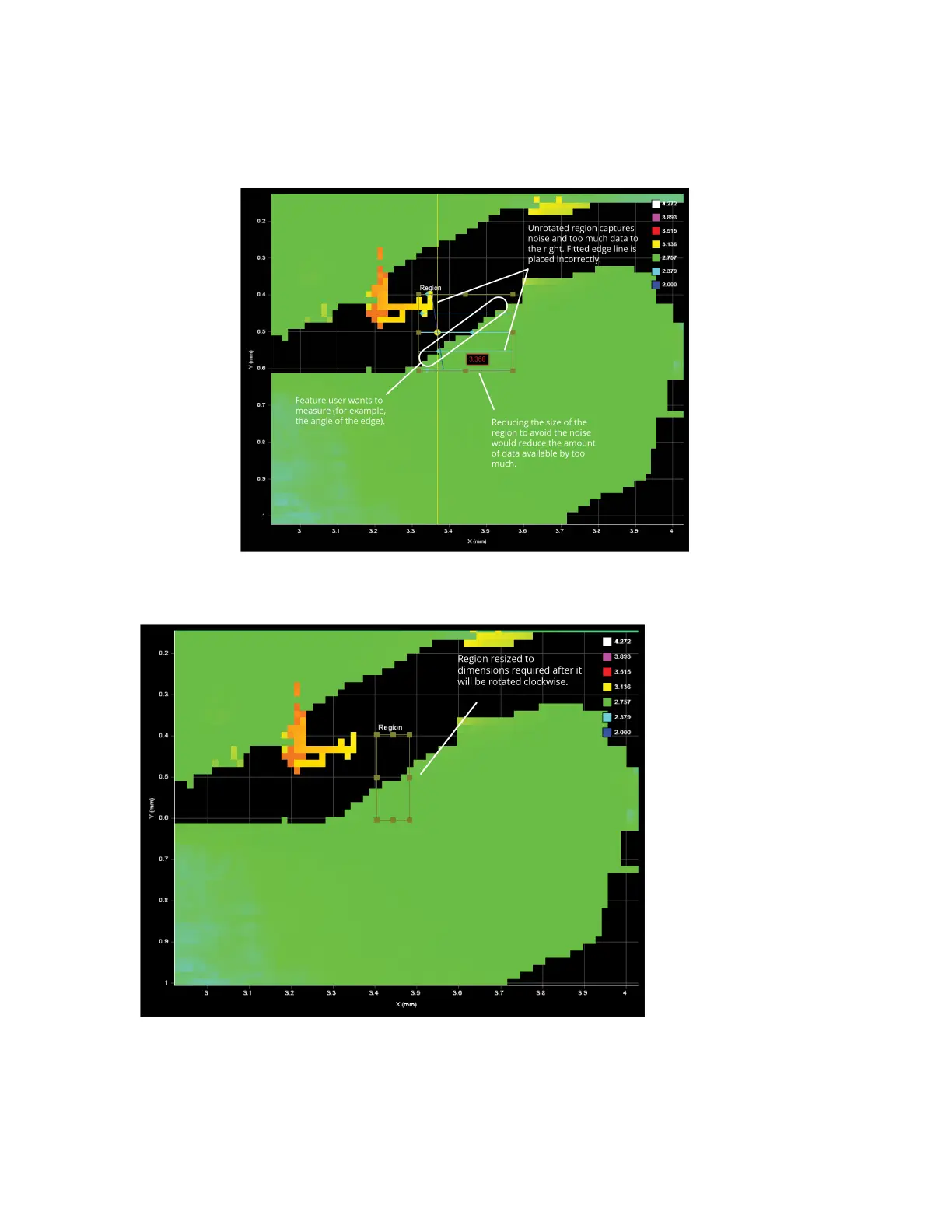
The measurement region of some tools can be rotated by setting the region's Z Angle to better
accommodate features that are on an angle on a target. By rotating the measurement region, data not
related to the feature can often be excluded, improving accuracy of measurements.
To rotate measurement regions:
1. Determine the length and width of the region that will be required once it is rotated.
2. Expand the Region setting and then set a value in ZAngle.



 To Next Page