Gocator Line Profile Sensors: User Manual
Gocator Web Interface • 301
A measurement must be enabled in the other tool for it to be available as an anchor. The anchor
measurement should also be properly configured before using it as an anchor.
For more information on anchoring, see Measurement Anchoring on page 194.
Measurement Region
The tip and the side of the stud must be within the measurement region.
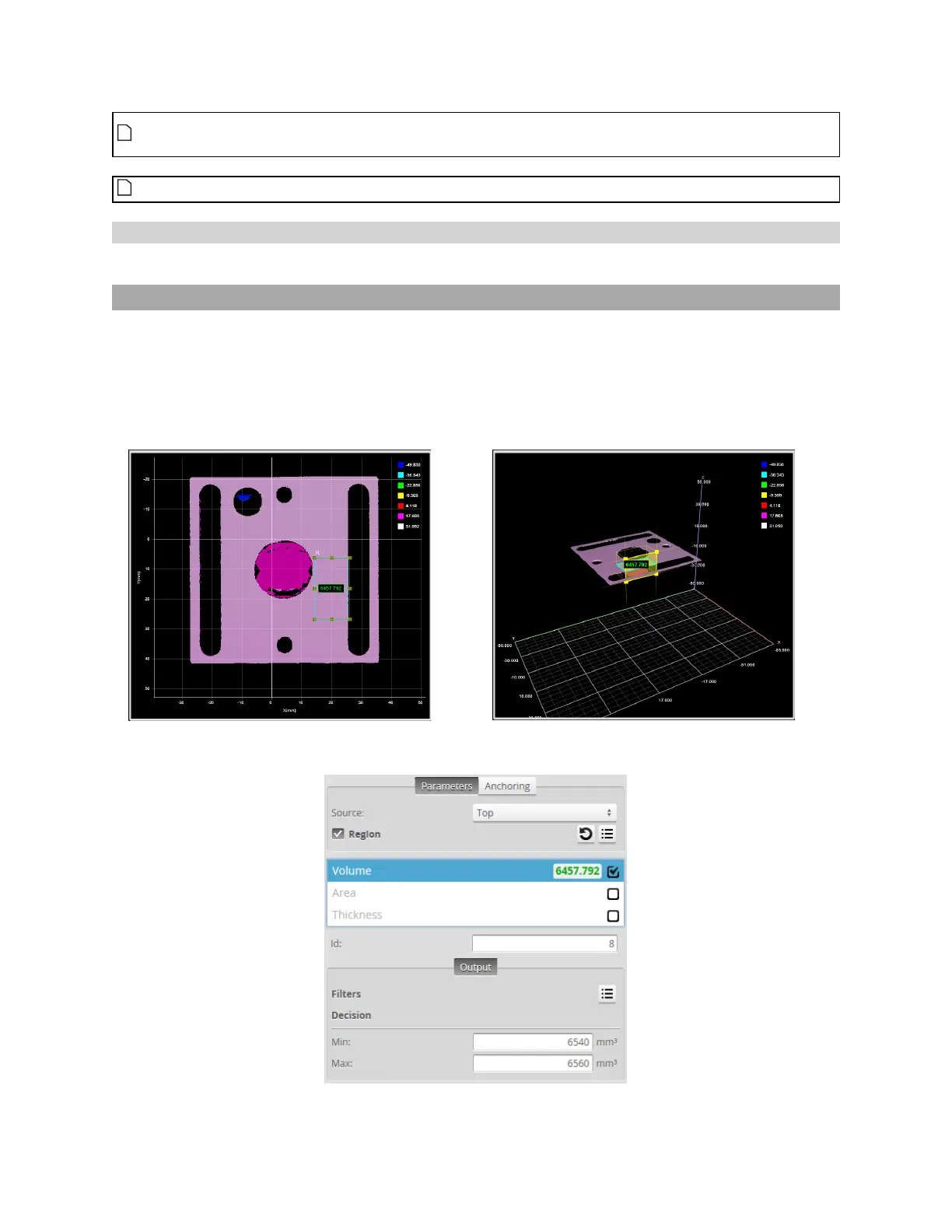
Volume
The Volume tool determines the volume, area, and thickness of a part. Gocator compares the
measurement value with the values in Min and Max to yield a decision. For more information on
decisions, see Decisions on page 191.
See Adding and Configuring a Measurement Tool on page 182 for instructions on how to add
measurement tools.
2DView
3DView
Measurement Panel



 To Next Page