Gocator Line Profile Sensors: User Manual
Gocator Web Interface • 283
Opening
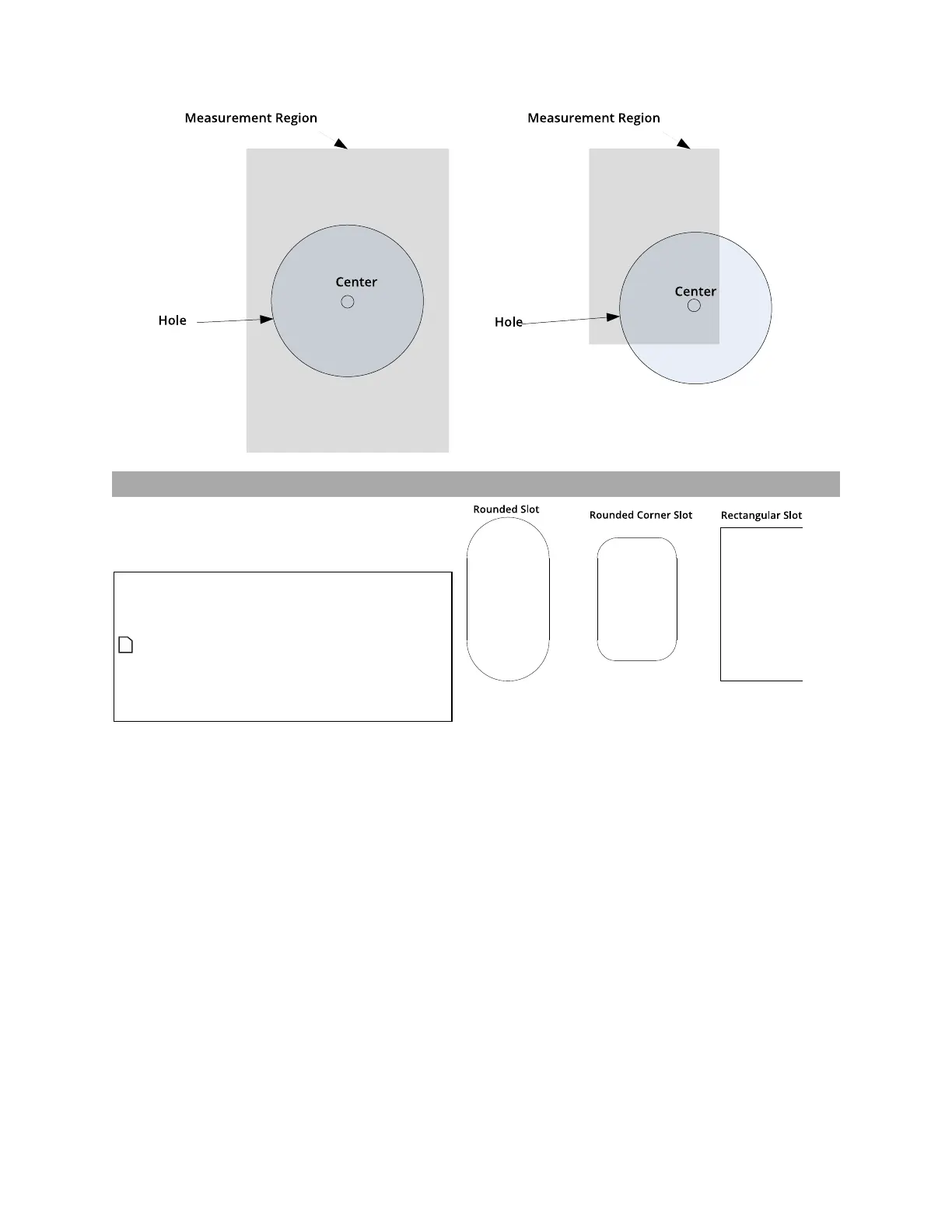
The Opening tool locates rounded, rectangular,
and rounded corner openings. The opening can
be on a surface at an angle to the sensor.
The Opening tool does not search
for or detect an opening. The tool
expects that an opening conforming
reasonably well to the defined
parameters is present and that it is
on a sufficiently uniform
background.
See Adding and Configuring a Measurement Tool
on page 182 for instructions on how to add
measurement tools.
The tool uses a complex feature-locating
algorithm to find a hold and then return
measurements. See "Opening Algorithm" in the
Gocator Measurement Tool Technical Manual for
a detailed explanation of the algorithm. The
behavior of the algorithm can be adjusted by
changing the parameters in the measurement
panel.
Gocator compares the measurement value with
the values in Min and Max to yield a decision.
For more information on decisions, see Decisions
on page 191. You can select the measurement
region in which the opening is expected to



 To Next Page