Gocator Line Profile Sensors: User Manual
Gocator Web Interface • 267
Parameter Description
Use Intensity (This setting is only available when Acquire Intensity is enabled in the Scan Mode
panel; for more information, see Scan Modes on page 104.)
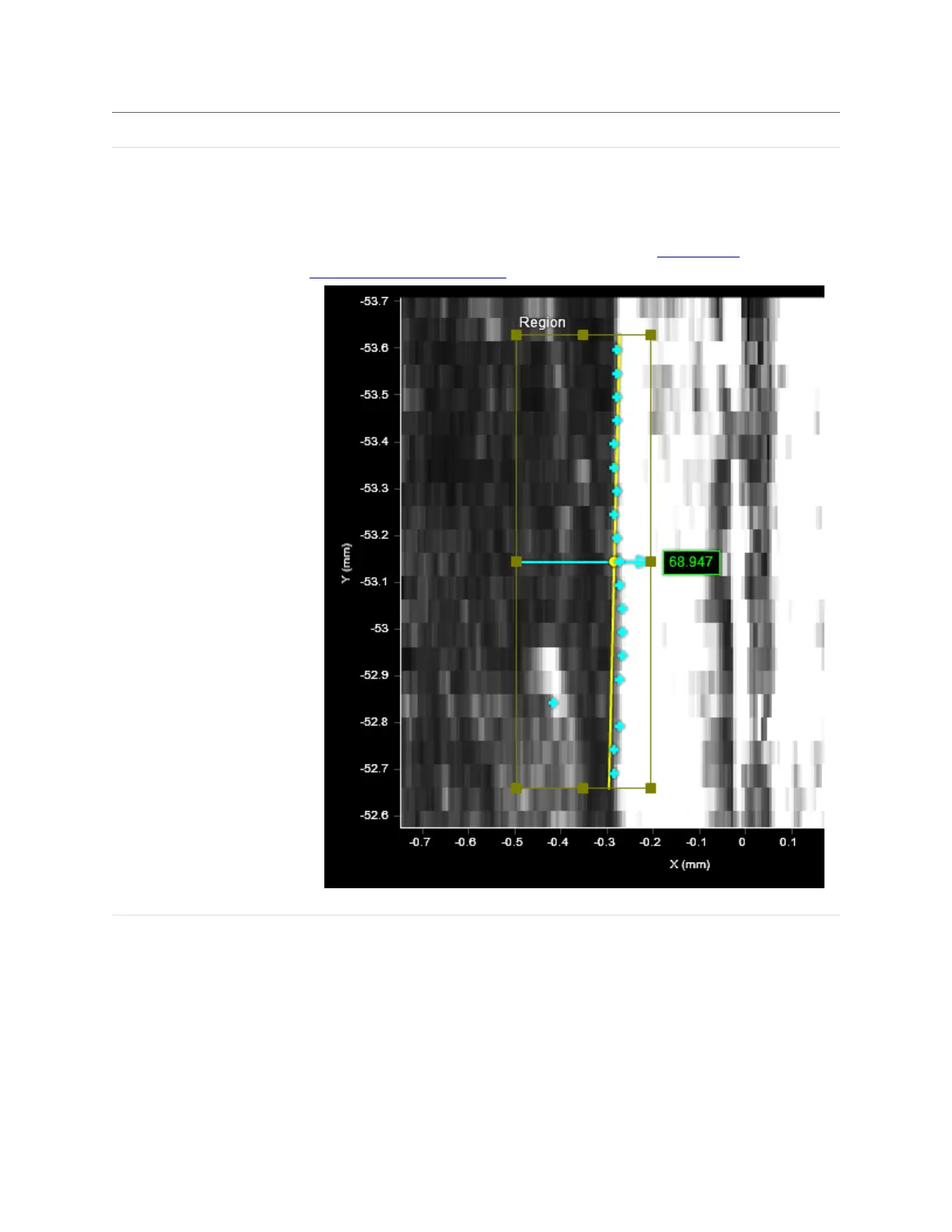
Uses intensity data rather than height data to find an edge. Useful when color
differences on a flat area of a target, which would not be detected using height map
data, are distinct, letting you use the detected "line"as an anchor source or perform
geometric feature measurements.
Use Intensity enabled (intensity view): Surface Edge tool finds the edge using intensity data.



 To Next Page