EasyManua.ls Logo

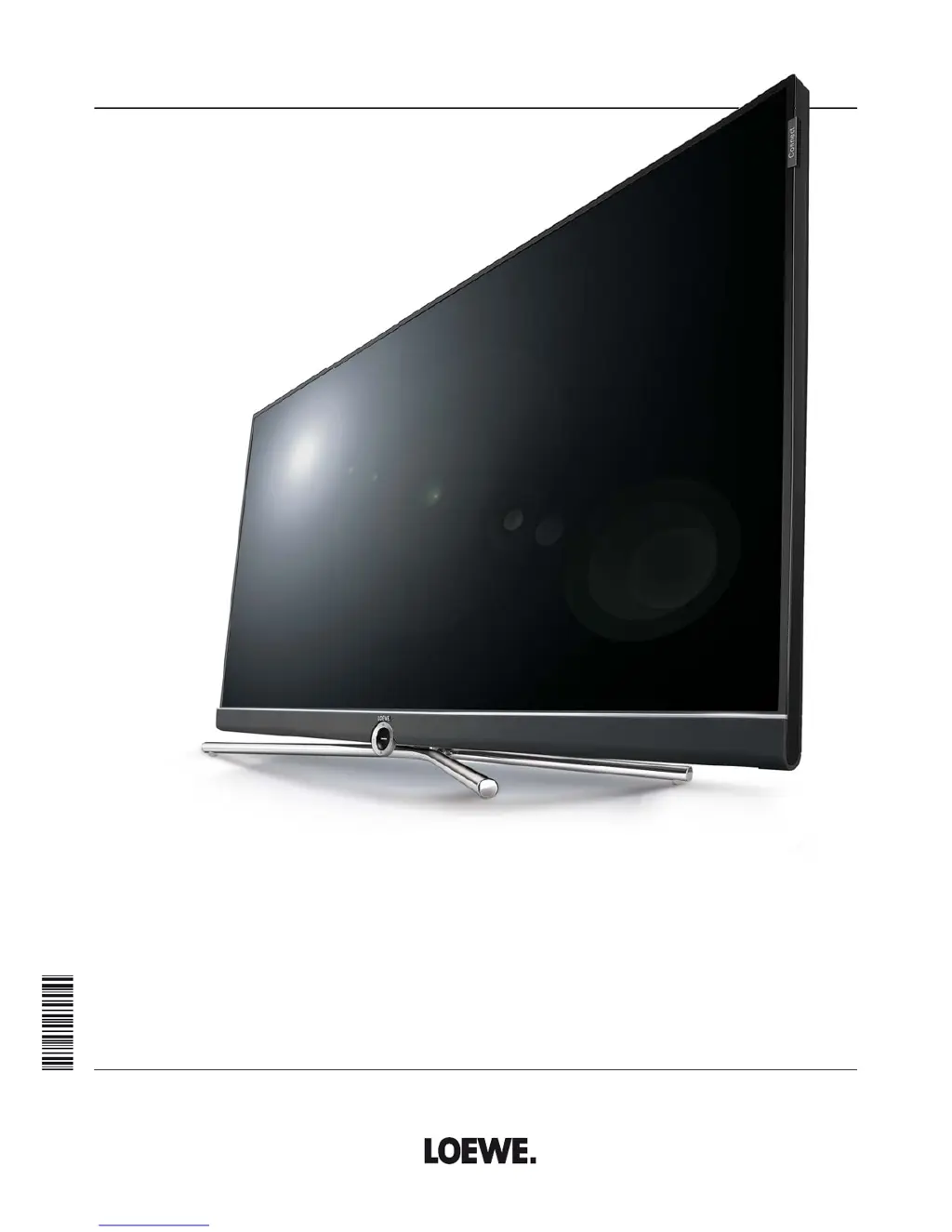
Loewe Connect 55 - User Manual

Loewe Connect 55
152 pages
Print Icon
To Next Page IconTo Next Page
Loading...
TV
Connect
Connect 55
Connect 48
Connect 40
Connect 32 DR+
User manual
36404021

Table of Contents

Questions and Answers

  • M
    Michelle HuberAug 14, 2025
    What to do if there is no sound on my Loewe Connect 55?
    • T
      Tamara PittsAug 14, 2025
      If you're not getting any sound even when playing a video or music file on your Loewe LCD TV, first, make sure the TV isn't muted and the volume is turned up. Press the V+ key on the remote control for a longer time to increase the volume and cancel any mute setting. Also, check under System settings ? Connections ? Sound components to ensure that an audio device that does not exist or is not connected is not registered. Connect the audio device and switch it on. In the Sound components wizard change back to TV speakers.
  • C
    cody36Aug 18, 2025
    Why does my Loewe Connect 55 turn off automatically?
    • J
      Jim HaynesAug 18, 2025
      If your Loewe LCD TV is automatically switching off, it's likely due to the automatic shutdown feature, which is designed to save energy. This feature turns off the TV after 4 hours of inactivity if at least one signal input group is set to Home Mode. Using automatic shutdown is recommended for the purposes of energy saving and safety.
  • S
    scastilloAug 21, 2025
    How to fix AV input issues on Loewe Connect 55?
    • K
      Karen MackAug 21, 2025
      If you're experiencing general problems when connecting external devices via an AV input on your Loewe LCD TV, the signal type might be set incorrectly. To fix this, set the correct signal type under System settings ? Connections ? AV connection settings ? Signal type. If AV standard or Signal type is set to “Automatic” then this can lead to false detections with non-standard signals. In this case standard and signal must be set according to the information in the operating manual of the external device.
  • A
    Aaron MasonAug 25, 2025
    What to do if CA module errors occur on Loewe Connect 55?
    • C
      carolyn61Aug 25, 2025
      If you are experiencing errors when running a CA module on your Loewe LCD TV, switch the TV off, remove the CA-module from the TV, wait a few seconds, reinsert the CA module, and then switch the TV on again.
  • A
    ayatesAug 28, 2025
    How to change the language on Loewe Connect 55 LCD TV?
    • T
      troy12Aug 28, 2025
      If all the menus on your Loewe LCD TV are displayed in the wrong language, it means the menu language was set incorrectly. To change it, press the HOME key, call last menu item (bottom left), mark the fourth item from above in the following list and move to next column to the right, call first list item with OK, select the language, and confirm it with OK.
  • R
    Rebecca RayAug 31, 2025
    Why is there no sound from my Loewe Connect 55's external digital audio amplifier?
    • C
      Carol HaleAug 31, 2025
      If there is no sound via the external digital audio amplifier connected to your Loewe LCD TV, it could be due to a couple of reasons. First, the external digital audio amplifier may not support the selected sound format (Dolby Digital, dts, MPEG). In this case, set PCM stereo on the DVD player in the sound selection. For DVB stations switch Language/Sound. Second, the TV and external digital audio amplifier might not be properly connected. Connect SPDIF OUT from the TV to a digital input of the external digital audio amplifier and select the appropriate input to this.
  • M
    monique67Sep 3, 2025
    What to do if Loewe Connect 55 LCD TV doesn't get IP address automatically?
    • M
      miguelmooreSep 4, 2025
      If your Loewe LCD TV is not being issued an IP address despite automatic IP configuration, it indicates that no DHCP server is working on your network. To resolve this, set up a DHCP server or assign the IP addresses for the TV set manually.
  • B
    barnesgarySep 7, 2025
    Why are Teletext characters wrong on my Loewe Connect 55?
    • J
      Jennifer GuzmanSep 7, 2025
      If your Loewe LCD TV is displaying various characters incorrectly in Teletext, it's likely that the wrong character set has been set in the System settings. To correct this, go to System settings ? Control ? more ... ? Standard Teletext ? Character set ? Standard, or select the appropriate character set.
  • B
    Bailey BrownSep 10, 2025
    Why Loewe Connect 55 LCD TV can't find wireless routers?
    • B
      Billy MillerSep 10, 2025
      If your Loewe LCD TV isn't finding any wireless routers when searching, it means the router is not ready for wireless communication. Check your wireless router and try to make the connection again a few minutes later.

Summary

For your safety

Remote control button mapping

Operating controls on the TV set

Preparing the TV set

Mounting options; Installation notes

Guidance on choosing a location and mounting the TV securely.

Connecting the TV set

Connecting antennas

Guidance on connecting various types of antennas.

Preparing the remote control unit

Switching the TV set ON;OFF

Switching the TV on;off on the control unit

How to use the buttons on the TV set to switch it on or off.

Switching the TV set on by means of the remote control

Methods to turn the TV on using the remote control.

Switching the set off with the remote control (Standby)

How to switch the TV off to standby mode using the remote.

Switching off the TV set and connected additional devices (System standby)

How to turn off the TV and connected HDMI devices simultaneously.

General information on menu operation

Operation without remote control

Initial installation wizard

Initial installation after switching on for the first time

How the wizard automatically starts upon first power-on.

First installation wizard routine

Steps involved in the initial setup process.

Energy efficiency

How to set energy-saving modes for the TV.

Connect antennas cable(s)

Setting options for reception via Cable analog

Specific settings for analog cable reception.

Setting options for DVB-T reception

Setting options for DVB-C reception

Setting options for DVB-S reception

Select satellite installation

How to specify the satellite system configuration.

Loewe Connect 55 Specifications

General IconGeneral
Screen shapeFlat
Response time55 ms
Display diagonal55 \
Display brightness450 cd/m²
Native aspect ratio16:9
LED backlighting typeEdge-LED
Display diagonal (metric)140 cm
Motion interpolation technology-
3DYes
HDD capacity1 GB
Annual energy consumption234 kWh
Tuner typeAnalog & digital
Analog signal format systemNTSC, PAL, SECAM
Digital signal format systemDVB-C, DVB-C2, DVB-S2, DVB-T2
Audio decodersDolby Digital, DTS, Dolby Digital Plus
RMS rated power40 W
Number of speakers2
DVI portNo
HDMI ports quantity4
DVI-D ports quantity0
USB 2.0 ports quantityUSB 2.0 ports have a data transmission speed of 480 Mbps, and are backwards compatible with USB 1.1 ports. You can connect all kinds of peripheral devices to them.
USB 3.2 Gen 1 (3.1 Gen 1) Type-A ports quantity1
Product colorBlack, Cappuccino
AC input voltage220 - 240 V
AC input frequency50 - 60 Hz
Power consumption (off)0 W
Power consumption (standby)0.5 W
Power consumption (typical)169 W
Weight and Dimensions IconWeight and Dimensions
Weight (without stand)27800 g

Related product manuals