EasyManua.ls Logo

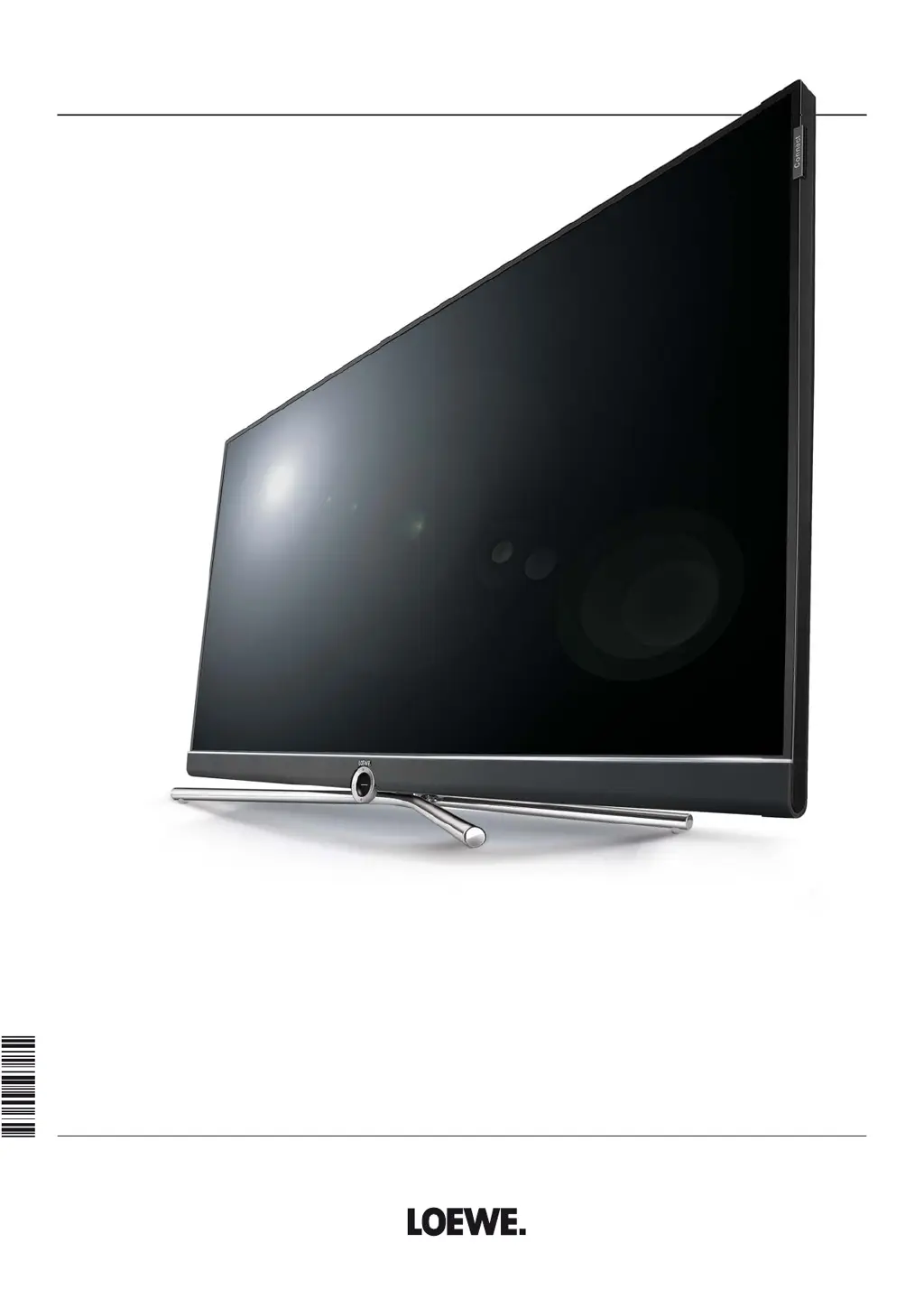
Loewe Connect 32 - User Manual

Loewe Connect 32
143 pages
Print Icon
To Next Page IconTo Next Page
Loading...
TV
Connect
Connect 32
User manual
36636020

Table of Contents

Other manuals for Loewe Connect 32

Questions and Answers

  • K
    Kristi WatsonSep 23, 2025
    What to do if Loewe Connect 32 LCD TV does not get IP address?
    • A
      Alan HendersonSep 23, 2025
      If your Loewe LCD TV is not being issued an IP address despite automatic IP configuration, it indicates that no DHCP server is working on your network. To resolve this, set up a DHCP server or manually assign the IP addresses for the TV.
  • R
    Ronald KnightAug 25, 2025
    What to do if control functions of Loewe Recorder and Timer are not working on my Loewe Connect 32?
    • F
      frenchjohnAug 25, 2025
      If the control functions for the Loewe Recorder and Timer aren't working correctly, consider the following: * Ensure that the Digital Link function is activated in the recorder. Refer to the recorder's operating instructions for details. * Check that the EURO-AV cable is properly connected. * Verify that the recorder is registered.
  • R
    rosethomasAug 25, 2025
    What to do if general problems when connecting external devices via an AV input on Loewe LCD TV?
    • J
      Jeffrey AustinAug 26, 2025
      If you're experiencing general issues connecting external devices via AV input, here's what to check: 1. Make sure the device is logged in to the connection wizard or is connected as shown in the connection diagram. Compare the connection diagram with the actual installation in the connection wizard (TV menu ? Connections ? New devices/modifications) and connect as illustrated. 2. Verify that the AV standard is set correctly. Set the correct standard. 3. Confirm the signal type is set correctly. Set the correct signal type. Note: If 'Automatic' is set for AV standard or AV signal, it might cause errors with non-standard signals. In this case, set the standard and signal according to the external device's operating manual.
  • S
    susan14Aug 27, 2025
    What to do if the picture of a connected external recorder is visible but the error message no recorder available is still output on Loewe Connect 32?
    • W
      wturnerAug 27, 2025
      If you see the picture from your external recorder but get a 'no recorder available' error, the device may not be registered in the connection wizard or is connected differently than shown in the connection diagram. In the connection wizard (TV menu ? Connections ? New devices/modifications) compare the connection diagram with the actual installation and connect as illustrated.
  • J
    jacksonsusanAug 27, 2025
    What to do if the picture of a connected external recorder is visible but the timer cannot be called on Loewe Connect 32?
    • D
      David MortonAug 27, 2025
      If the picture from an external recorder is visible but the timer function cannot be used, the device might not be registered in the connection wizard or is connected differently than shown in the connection diagram. In the connection wizard (TV menu ? Connections ? New devices/modifications) compare the connection diagram with the actual installation and connect as illustrated.
  • R
    Ryan JacksonSep 16, 2025
    What to do if WLAN code characters cannot be entered on Loewe Connect 32 LCD TV?
    • I
      imontoyaSep 16, 2025
      If characters received in the WLAN code of the wireless router cannot be entered for the network configuration at your Loewe LCD TV, it means that the device does not support all special characters. Change the WLAN key of the router.
  • R
    rodgersrussellSep 13, 2025
    How to fix incorrect Teletext characters on Loewe Connect 32 LCD TV?
    • A
      angelahughesSep 14, 2025
      If various characters are displayed incorrectly in Teletext on your Loewe LCD TV, the wrong character set has been set in the System settings. To correct this, go to System settings, then Control, then more ..., then Standard Teletext, then Character set, and select Standard or the appropriate character set.
  • A
    Alexander HickmanSep 14, 2025
    Why Loewe LCD TV can't find my wireless router?
    • J
      Julie VargasSep 15, 2025
      If your Loewe LCD TV isn't finding any wireless routers when searching, it could be that your router isn't ready for wireless communication. Check your wireless router and try to make the connection again after a few minutes.
  • R
    Ryan WilliamsSep 6, 2025
    What to do if there is no sound when playing media on Loewe LCD TV?
    • J
      Julian NunezSep 6, 2025
      If you're not getting any sound even when a video or music file is playing, there could be a couple of reasons. First, make sure your Loewe LCD TV isn't muted and the volume isn't set too low by pressing the V+ key on the remote control. Also, check in the System settings under Connections, then Sound components, to ensure a non-existent or disconnected audio device isn't selected. If so, connect the audio device, switch it on, or switch back to TV speakers in the Sound components wizard.
  • S
    Sergio KellerSep 3, 2025
    Why are various character sets displayed incorrectly with Teletext on my Loewe Connect 32?
    • M
      Mrs. Andrea McfarlandSep 3, 2025
      If various character sets are displaying incorrectly in Teletext, the wrong character set has likely been selected in the Teletext menu. To correct this, go to Teletext menu ? Settings ? Character set: Select Standard or the appropriate character set.

Loewe Connect 32 Specifications

General IconGeneral
BrandLoewe
ModelConnect 32
CategoryLCD TV
LanguageEnglish

Related product manuals