EasyManua.ls Logo

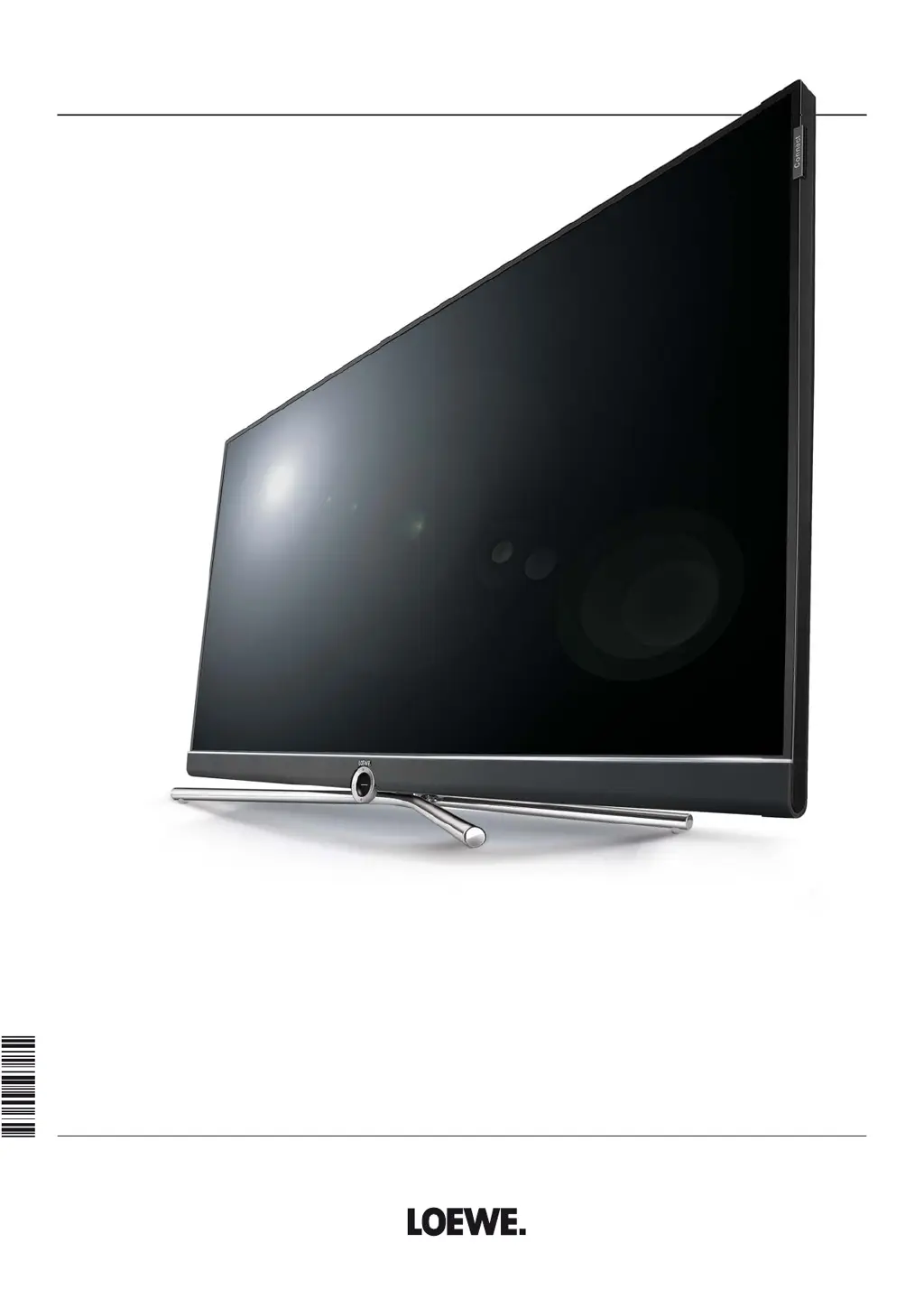
Loewe Connect 32 - User Manual

Loewe Connect 32
143 pages
Print Icon
To Next Page IconTo Next Page
Loading...
TV
Connect
Connect 32
User manual
36636020

Table of Contents

Other manuals for Loewe Connect 32

Questions and Answers

  • T
    timothy30Sep 8, 2025
    How to change the menu language on a Loewe LCD TV?
    • T
      Tracy GloverSep 8, 2025
      If your Loewe LCD TV is displaying all menus in the wrong language, the menu language was likely set incorrectly. To change it, press the HOME key, select the last menu item (bottom left), mark the fourth item from above in the following list and move to the next column to the right, call the first list item with OK, select the language, and confirm with OK.
  • J
    Jordan HortonSep 7, 2025
    How to solve AV input connection problems on Loewe Connect 32 LCD TV?
    • M
      Mike ChavezSep 7, 2025
      If you are experiencing general problems connecting external devices via an AV input on your Loewe LCD TV, the signal type might be set incorrectly. To fix this, navigate to System settings, then Connections, then AV connection settings, and finally Signal type to set the correct signal type. If AV standard or Signal type is set to 'Automatic', this can lead to false detections with non-standard signals. In this case standard and signal must be set according to the information in the operating manual of the external device.
  • B
    Bonnie BennettAug 22, 2025
    Why is there no sound via the external digital audio amplifier on my Loewe Connect 32?
    • D
      Donald CowanAug 22, 2025
      There are a couple of potential reasons why you might not be getting sound through your external digital audio amplifier: 1. The external digital audio amplifier might not support the selected sound format (Dolby Digital, dts, MPEG). To resolve this, set PCM stereo on the DVD player in the sound selection. For DVB stations on the TV set, switch to stereo in the status display (END) – language/audio selection (Green button). 2. The TV set and external digital audio amplifier might not be properly connected. Ensure you connect AUDIO DIGITAL OUT from the TV set to a Digital-In input of the external digital audio amplifier and select the appropriate input on the amplifier.
  • K
    Kenneth SchultzSep 4, 2025
    Why in the TV menu, Connections cannot be called (displayed in grey) on Loewe LCD TV?
    • R
      Ruth BlackburnSep 4, 2025
      If 'Connections' is greyed out in the TV menu, a timer recording is probably in progress. Wait until the timer recording finishes, or delete the timer recording.
  • S
    Sergio KellerSep 3, 2025
    Why are various character sets displayed incorrectly with Teletext on my Loewe Connect 32?
    • M
      Mrs. Andrea McfarlandSep 3, 2025
      If various character sets are displaying incorrectly in Teletext, the wrong character set has likely been selected in the Teletext menu. To correct this, go to Teletext menu ? Settings ? Character set: Select Standard or the appropriate character set.
  • A
    Andrew TurnerSep 1, 2025
    Why is the photo on the USB stick not displayed correctly in the PhotoViewer or a '?' appears on Loewe Connect 32 LCD TV?
    • S
      Stephen AndersonSep 2, 2025
      If a photo on your USB stick isn't displaying correctly in the PhotoViewer, or if a '?' appears, it's likely that the photo isn't in a displayable format. Convert the photo file into a standard JPG format on your PC.
  • C
    Charlene CamposAug 31, 2025
    What to do if all menus are displayed in the wrong language on Loewe Connect 32 LCD TV?
    • H
      harmonmorganAug 31, 2025
      If all the menus are displayed in the wrong language, it means the menu language was set incorrectly. To fix this, set the menu language by pressing the INFO button in TV mode (Index). Mark the first key word and call it with OK. Then select the language and confirm with OK.
  • E
    everettlucasAug 30, 2025
    How to fix connection of a decoder that does not function properly on Loewe Connect 32 LCD TV?
    • W
      williamreynoldsAug 30, 2025
      If your decoder connection isn't working correctly, consider these points: * The signal may not be decoded because the correct decoder stations haven't been selected in the connection wizard. Follow the instructions in the connection wizard (TV menu ? Connections ? New devices/changes) and select the appropriate decoder transmitter. * If sound is missing in decoder mode, the wrong decoder sound may have been assigned in the connection wizard. Follow the instructions in the connection wizard and select the correct audio source (Decoder, TV oder Autom.), see also decoder instructions.
  • J
    John LittleAug 28, 2025
    Why is Digital Link Plus not working on my Loewe Connect 32 LCD TV?
    • A
      Ashley WrightAug 29, 2025
      If Digital Link Plus isn't functioning, it could be due to these reasons: * The EURO-AV cable might not be fully wired (pin 10 not wired). Try replacing the EURO-AV cable. * Some recorders can only adopt stations during the initial installation of the TV set. Restore the recorder to its factory settings (refer to the recorder's operating manual).
  • J
    jacksonsusanAug 27, 2025
    What to do if the picture of a connected external recorder is visible but the timer cannot be called on Loewe Connect 32?
    • D
      David MortonAug 27, 2025
      If the picture from an external recorder is visible but the timer function cannot be used, the device might not be registered in the connection wizard or is connected differently than shown in the connection diagram. In the connection wizard (TV menu ? Connections ? New devices/modifications) compare the connection diagram with the actual installation and connect as illustrated.

Loewe Connect 32 Specifications

General IconGeneral
BrandLoewe
ModelConnect 32
CategoryLCD TV
LanguageEnglish

Related product manuals