- 16
english
MediaPortal
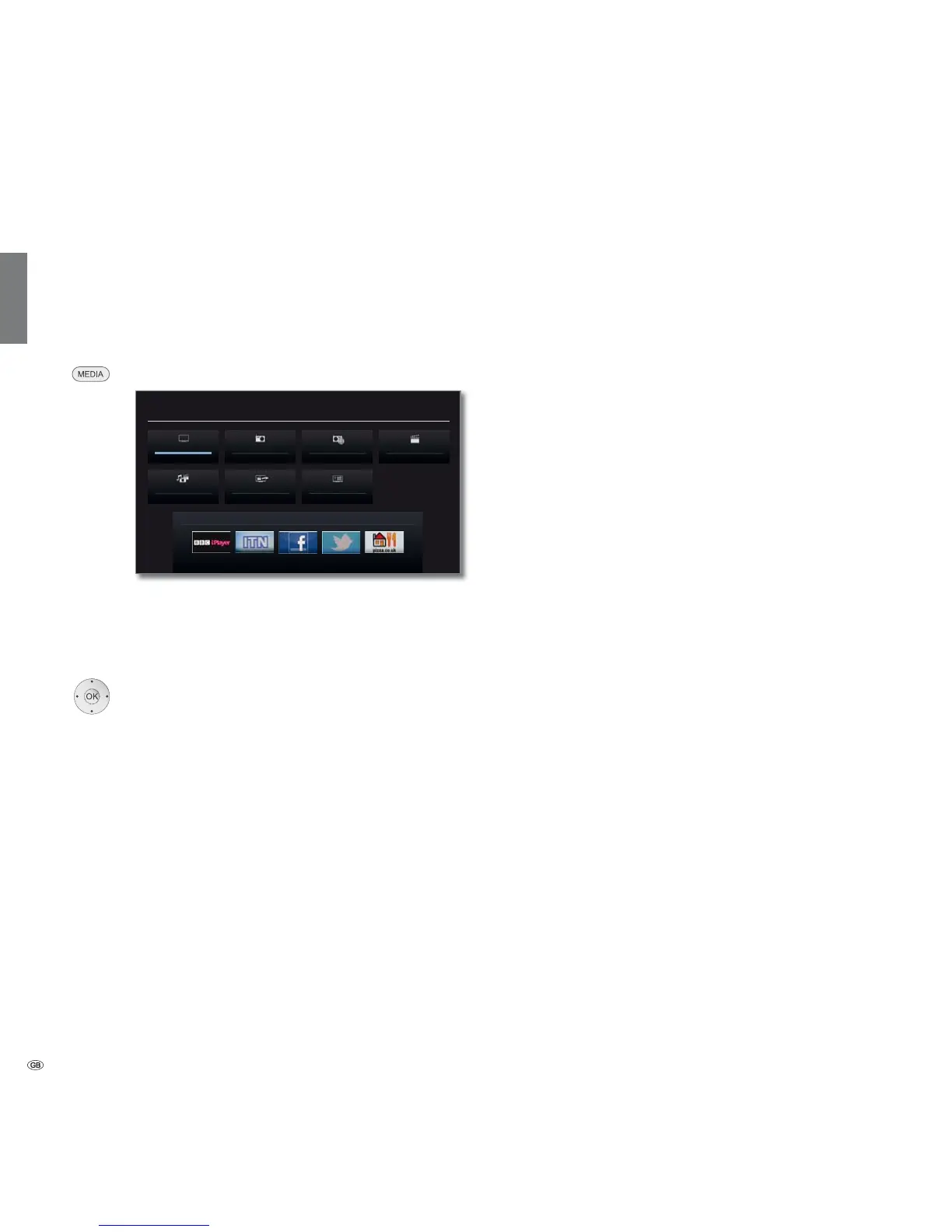
The MediaPortal is the central overview page for your TV set‘s functions.
From here you can gain access to TV channels, local and online media,
digital radio and to the archive of the Digital Recorder.
Call MediaPortal
MEDIA: Call MediaPortal.
The individual media and various functions are organised
in the MediaPortal.
The number of selectable items varies depending on the
TV equipment, network connection, available media/
media servers and connected appliances.
Select menu item,
OK call.
Description of the individual functions:
TV: Here you call the TV mode of your TV set.
See page 36 for further information.
DVB radio: Use this to open the DVB radio mode of your TV set
to listen to digital radio stations over DVB.
See page 60 for further information.
Internet radio: Use this to open the Internet radio mode of your TV
set to listen to digital radio stations over the Internet.
The menu item only appears if an Internet connection
is available.
See page 62 for further information.
DR archive: Using the DR Archive, you have access to the recorded
programmes on the integrated hard disc or to the
recordings on a storage device connected via USB.
See page 90 for further information.
MediaHome: Here you have access to your personal memory media,
e.g. to all memory media connected via USB or to
networks with which your TV set is connected.
See page 68 onwards for further information.
DR+ Streaming: Here, you can switch off the TV set in the advanced
standby mode for DR
+
Streaming.
The menu item only appears if the DR archive is shared
with other televisions.
See page 111 for further information.
Index: Here you have access to the index integrated in the TV
set.
See page 17 for further information.
Application list
(1
: Here you can access the applications and settings for
the interactive data service MHP. The menu item only
appears if MHP is offered by the current channel.
See page 88 for further information.
MediaNet: Here you have access to multimedia content in the
Internet as well as a high-quality web browser.
See page 68 onwards for further information.
MEDIA PORTAL
TV
DR+ StreamingMediaHome
DVB radio DR archive
MediaNet
Index
Internet radio
Operating convenience
(1
Depending upon which equipment the TV set has.














 To Next Page