- 34
english
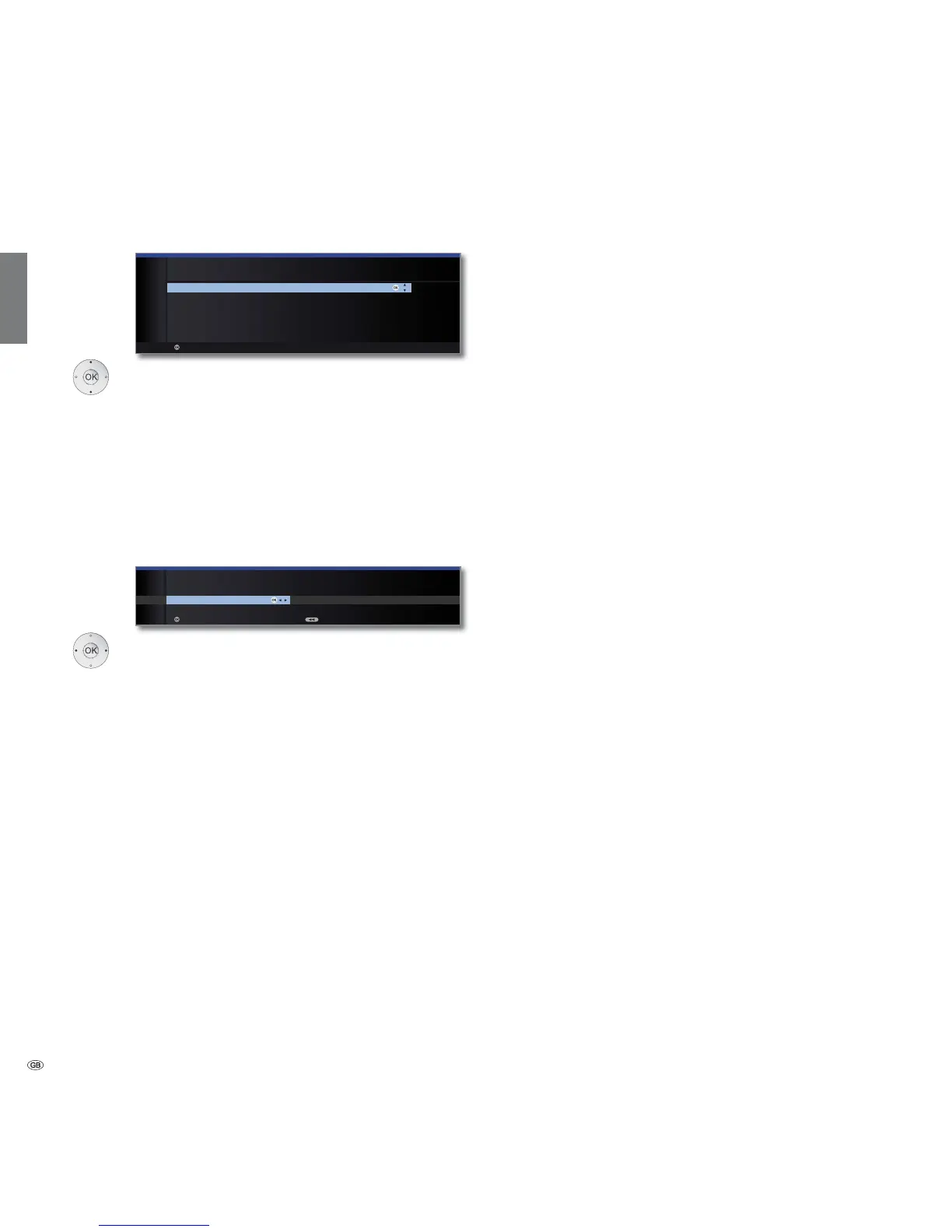
Select sound components.
This selection indicates which sound components
you want to use to hear your TV sound. Depending
on the selection, the sound component wizard starts
with which you can make further settings.
The sound component wizard is described from page
123 and can also be started at any time outside of
first time operation (TV menu under Connections ט
Sound components).
OK Proceed.
Select the option.
With the selection, specify whether you want to
configure the available network adapter now. For
Perform now see Media menu from page 70
onwards. For Do not perform or perform later:
OK End of wizard.
Initial installation
Sound playback
via ...
Network
configuration
OK
OK
SOUND COMPONENTS
Sound playback via ...
TV speakers ۪
Speaker system
HiFi/AV amplifier
Sound projector
HiFi/AV amplifier or TV speakers (switchable)
Sound projector or TV speakers (switchable)
Proceed
OKOK
INITIAL INSTALLATION
Network configuration
Perform now Do not perform or perform later
Proceed Back
OK














 To Next Page