75 -
english
Repeat procedure if necessary. The content of
the selected folder is still displayed in the right
window, the previous folder structure in the
left window.
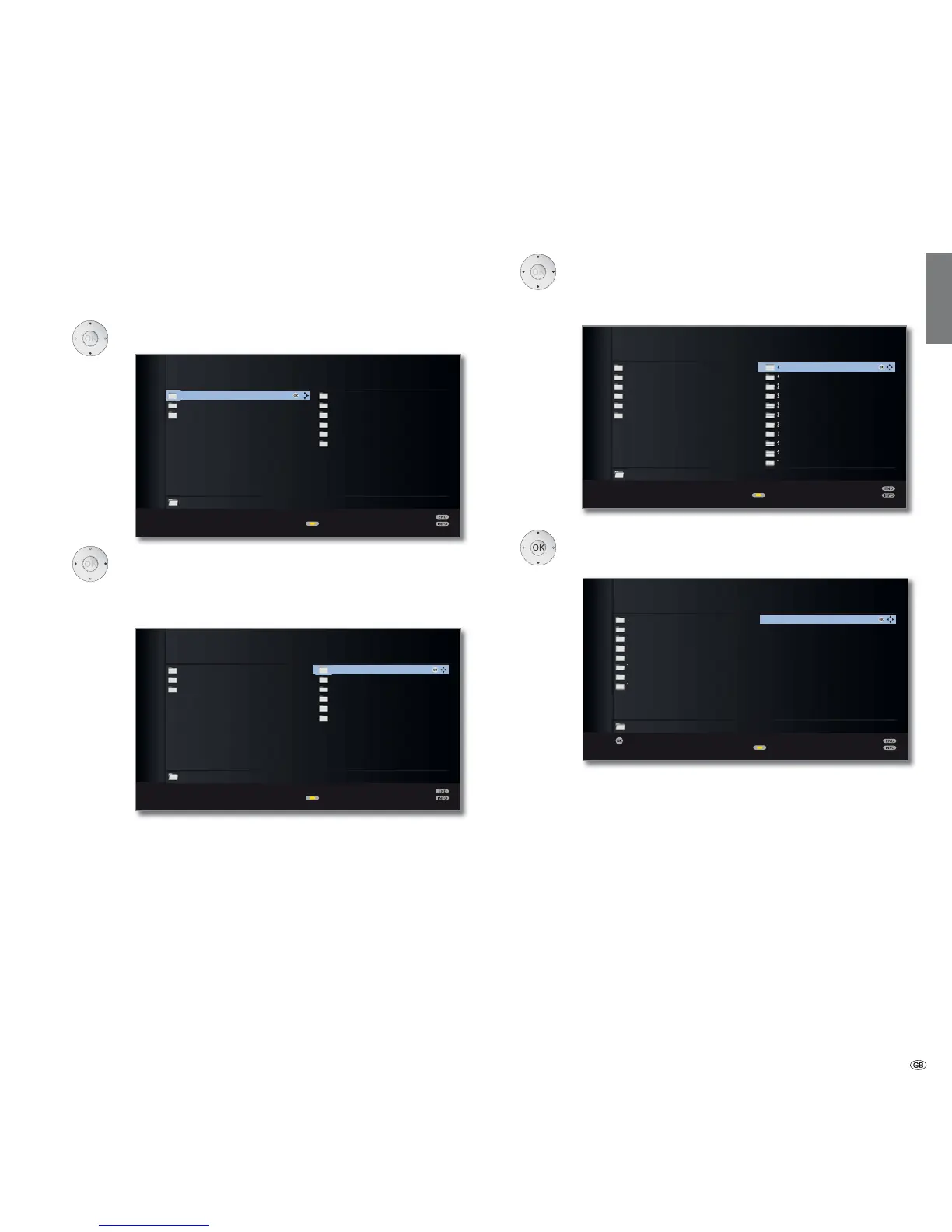
Select media file (example below: music title).
OK Play/display selected media file.
Playing music: see MediaMusic, page 82.
Displaying photos: see MediaPhoto, page 83.
Playing videos: see MediaVideo, page 84.
General navigation in the media overview
➠ The graphics on this page typically show a two-column list view. You
can switch between the views as required (see page 76).
Select desired folder.
Open marked folder. The content of the folder is
displayed in the right window.
Go back a folder level if necessary.
OK
:/
LOEWE_USB (USB)
Titles
Artists
Albums
Categories
Playlist
Files
:/Music/Artists/ Elements 38
Change view
Media
+
OK
OK
Prime Time
Let Me Go Home
One Good Reason
Since The Last Goodbye
Don't Answer Me
Dancing On A Highway
You Don't Believe
Pipeline
Ammonia Avenue
Ammonia Avenue
Eve
Eye In The Sky
I Robot
Pyramid
Tales Of Mystery And Imagination
The Turn Of A Friendly Card
Vulture Culture














 To Next Page