Speaker 2go - 27 -
Operating instructions
English
Handsfree function
Table Stand Flex
Handsfree function
The Speaker 2go must be switched on and linked via Bluetooth (page 24)
or Connectivity Easy Pairing (page 25) to your mobile phone.
In case of an incoming call, a ring tone sounds. The LED indicator
6
(handsfree
talking) flashes. An audio playback will be paused in this case.
Answer the incoming call by pressing the key
5
on the speaker 2go or the cor-
responding key on your mobile phone.
The LED indicator
6
lights up (handsfree talking).
When speaking turn your face to the top
9
of the Speaker 2go.
Adjust the volume on the Speaker 2go with the +/- keys
7
(see also page 26).
Finish the telephone conversation by pressing again the key
5
on the
Speaker 2go or the corresponding key on your mobile phone.
Loud ambient noise impairs the quality of the handsfree function. Make sure
there is a quiet environment or abstain from using the handsfree function if
there is no proper environment.
To achieve a high level of intelligibility between callers, speak only alternately.
The distance between the caller and the Speaker 2go should be between
0.3m and 1.2m.
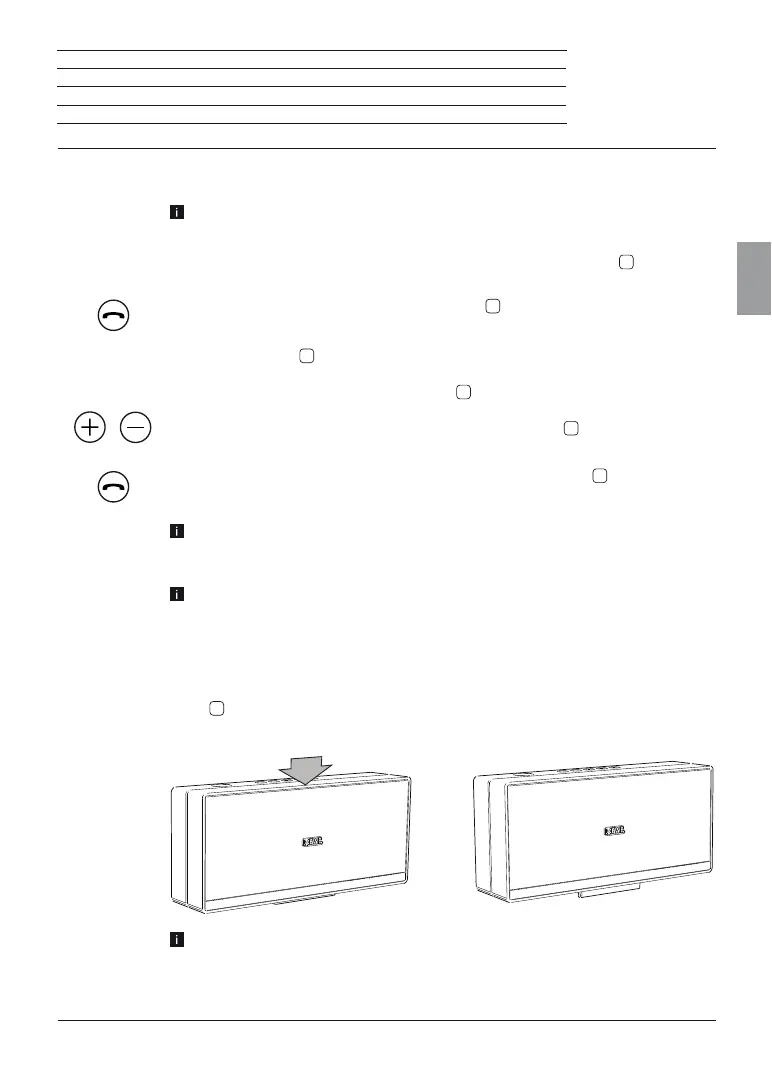
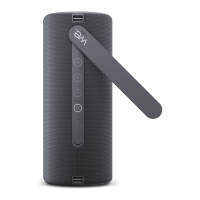
Table Stand Flex
The Table Stand Flex
15
allows you to change the pitch of Speaker 2go and thus the angle of
audio beam. For adapting the pitch, press the central top of Speaker 2go.
Adapting the pitch works on solid, plain surfaces only.




 To Next Page