11
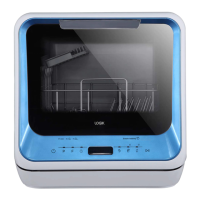
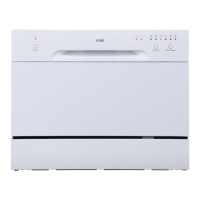
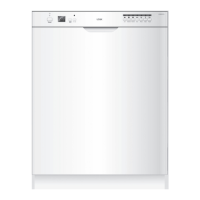
Control Panel
1. On/O Button
To turn the dishwasher on and o.
2. P Programme Button
• Select your required washing programme.
• Each press of this button switches from one washing programme to another (P1: ECO; P2:
1 hour; P3: Rapid; P4: Glass).
3. F Function Button
Each press of this button switches from one function to another (
: to get rid of the smell,
dampness and mildew; : to select extra dry function).
4.
Delayed Start Button
Press this button to set the delayed hours for washing.
5. Display Screen
6.
Salt Rell Warning Light
Illuminates when the salt reservoir needs relling.
7.
Dishwasher Tank Rell Warning Light
Illuminates when the dishwasher tank needs relling.
8.
Soak Wash Button
To rinse dishes that you plan to wash later that day.
9.
Baby Care Button
Suitable for washing baby bottles.
10.
Steam Add Button
To add steam during wash.
11.
Start/Pause Button
To conrm and start the selected washing programme.
4
6
5
7
8
4
1
2 3
109
11
The steam is not for sterilizing purpose. It only aids for easier washing. Steam is
available in the wash if the salt rell warning light is not illuminated.
LDW2PB20N_IB_5L_Final230130.indb 11LDW2PB20N_IB_5L_Final230130.indb 11 30/1/2023 2:41 PM30/1/2023 2:41 PM



 To Next Page