Need help?
Do you have a question about the Logitech Harmony 650 and is the answer not in the manual?
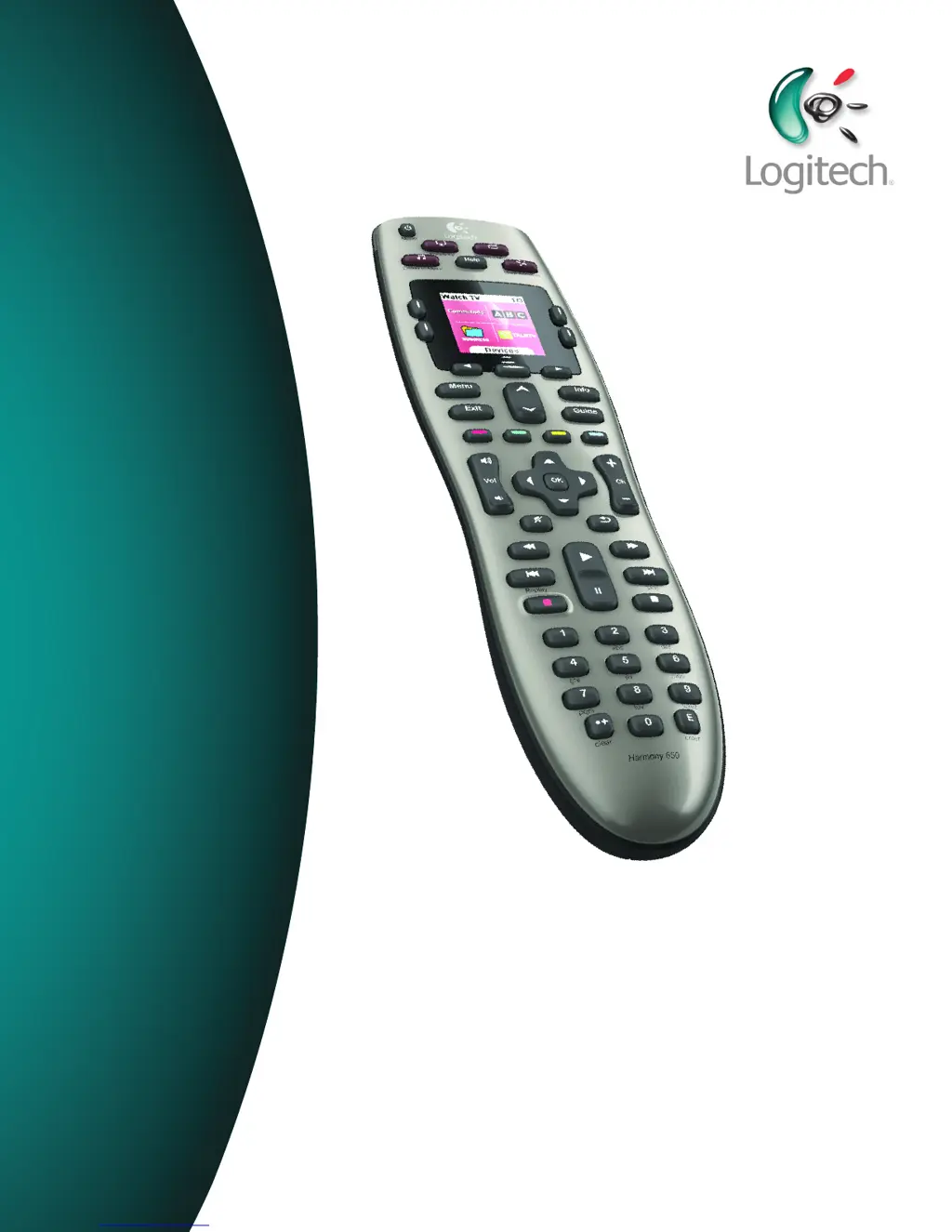
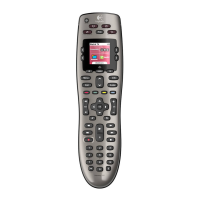
Explains the fundamental concepts and components of the Logitech Harmony 650 remote.
Defines Activities, devices, and inputs as the core elements for configuring and using the Harmony 650 remote.
Describes how activities and their commands are presented on the Harmony 650's screen.
Explains how device lists are displayed and navigated on the Harmony 650's screen.
Details how favorite channels are displayed and customized on the Harmony 650's screen.
Explains the function of the IR status indicator on the Harmony 650's screen.
Describes where page numbers appear on the Harmony 650's screen.
Explains how to navigate and interact with the Harmony 650's screen using its navigation buttons.
Details how to initiate a specific entertainment activity on the Harmony 650.
Guides users on how to move from one activity to another on the Harmony 650.
Explains the process of powering down all devices associated with an activity using the Harmony 650.
Details how to use the Harmony 650 to control individual devices rather than through activities.
Outlines the five key steps involved in configuring the Harmony 650 for the first time.
Lists key checks to perform when testing if an activity starts correctly on the Harmony 650.
Lists key checks to perform when testing activity switching on the Harmony 650.
Details how to add, remove, or modify activities using the Harmony Remote Software.
Describes the process of renaming existing activities on the Harmony 650.
Guides users on adding, removing, or modifying device configurations in the Harmony 650 setup.
Explains how to customize button functions within a specific activity on the Harmony 650.
Details how to customize button functions for individual devices controlled by the Harmony 650.
Guides on customizing the actions performed by activity buttons on the Harmony 650 remote.
Details how to teach the Harmony 650 new commands using the IR learning feature from an original remote.
Explains how to name learned commands for better organization and assignment on the Harmony 650.
Provides guidelines for naming learned commands to ensure easier button assignment.
Defines Power On Delay as the warm-up time a device needs before receiving commands.
Defines Inter-Key Delay as the time between button presses for sending commands.
Defines Input Delay as the time the remote takes when switching between inputs.
Details the process for updating the internal software (firmware) of the Harmony 650 remote.
Explains the importance of testing settings after any software upgrade on the Harmony 650.
Guides users on how to transfer configurations from an old Harmony remote to a new model.
Guides users on identifying how their device's original remote controls input selection.
Instructs users to turn on all entertainment devices to identify their input connections.
Instructs users to test each TV input to identify connected devices and their display.
Instructs users with AV receivers to test inputs to identify audio source connections.
Explains how to reach Logitech customer support for assistance with the Harmony 650.
Guides users on accessing online help and FAQs for common queries about the Harmony 650.
Describes online resources like the Harmony Remote Software and FAQs for setup assistance.
 General
| Brand | Logitech |
|---|---|
| Model | Harmony 650 |
| Category | Remote Control |
| Language | English |


 To Next Page