1
3
2
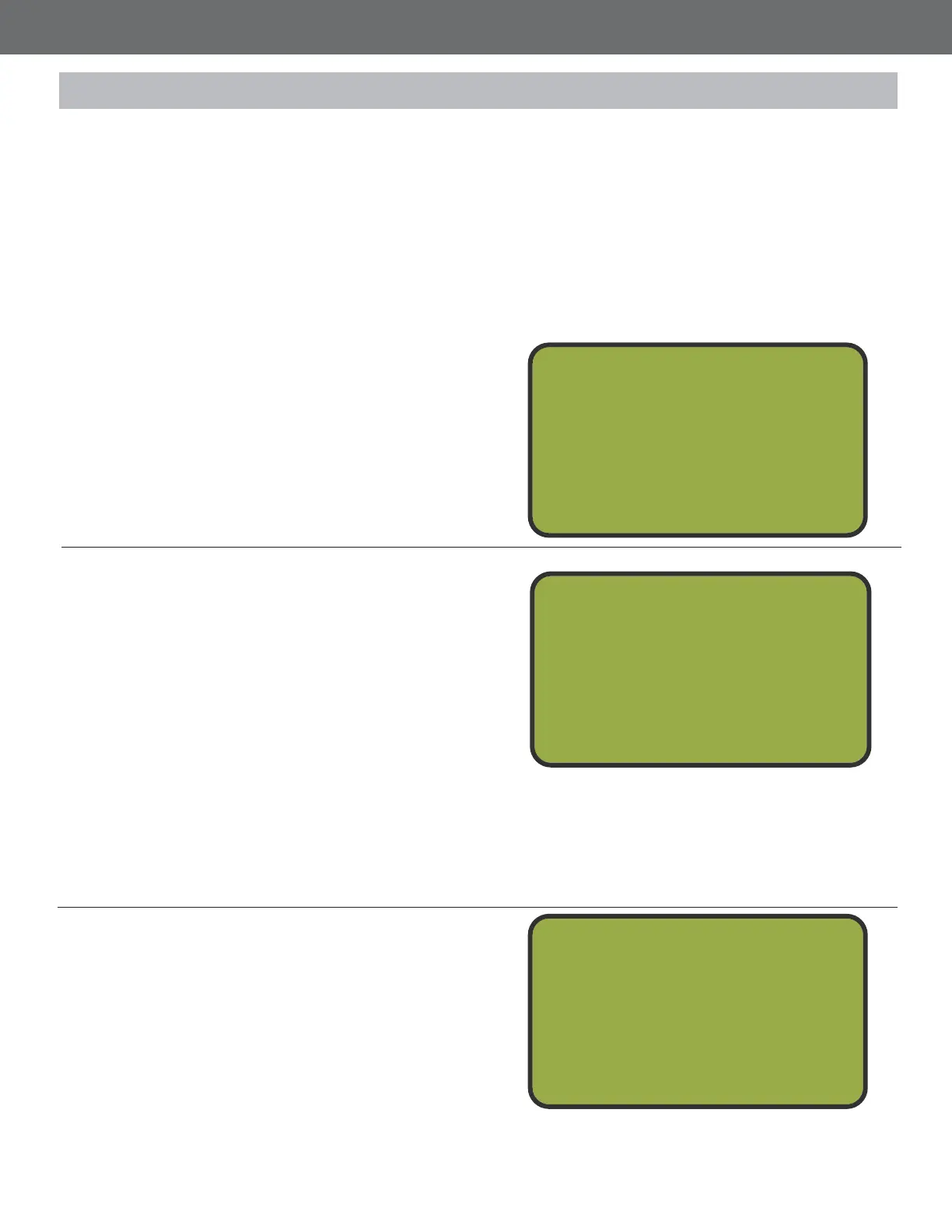
Insert TAG Screen
Be sure to be on the Insert TAG screen.
Otherwise, the device will not recognie the
card. From the Main Menu, press BAC to get
to the Insert TAG screen. Insert the 5 Stand
Card into the clip on the back of the MT4300.
The screen will automatically take you to the
Target Transfer Screen.
Press Enter
Press NTR to go to the Main Menu.
Add Targets
Once the card is inserted, the screen will
display the TAG Value amount of targets on
the card and the Target Bank amount of
targets loaded onto the device. To transfer
targets from the card to the bank, press
NTR. 25 targets, plus the amount of targets
set in the Target Margin will be added to the
bank. Targets will be deducted from a Count
Down card, and added to a Count Up card.
Remove the card to back out to the Insert
TAG screen.
*The Target Margin amount is only added
once per squad when the rst shooter adds
targets to the bank
Insert TAG
Or
Press Enter
To Pl ay
Insert TAG
Or
Press Enter
To Pl ay
TAG Value = 100
Ta r g e t Ba n k = 3 5
Press Enter
To Tr an sf er
32
Adding Targets to the Target Bank:
5 Stand Cards can be issued as either Count Up or Count Down cards. Both cards add targets to
the devices Target Bank in increments of 25. The Target Margin will be added to the Target Bank to
take care of breakage and Show Birds 25. A Count Up card will add targets to the Target Bank
and add that amount to the card. These targets will be paid for when the card is checked in. A Count
Down card will be preloaded with an amount of targets that have already been paid for. Targets will
be added to the devices Target Bank and targets will be subtracted from the card. Begin by inserting
a card into the clip on the back of the MT4300.
5 Stand Cards



 To Next Page