Using the MT4300 with the Target TAG System
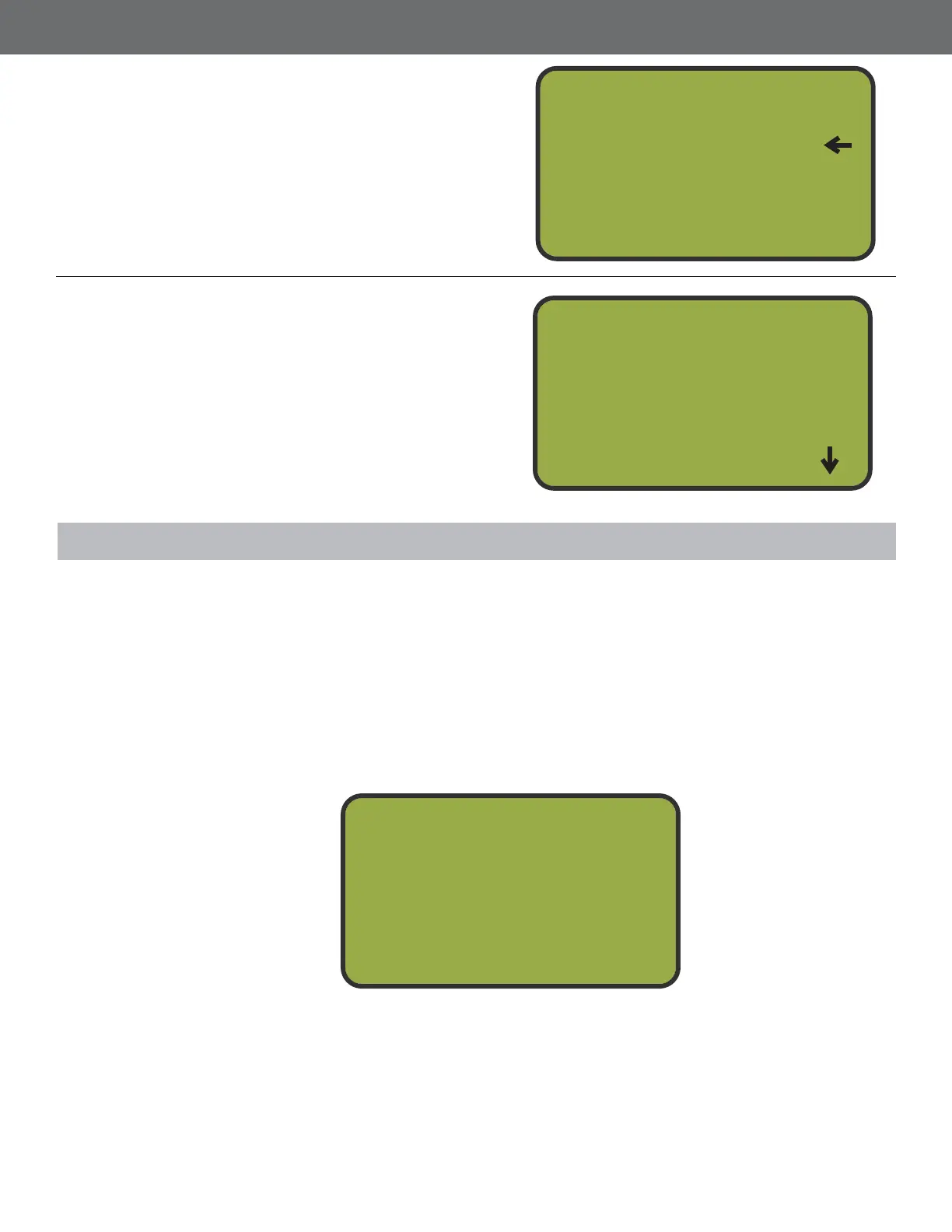
When the MT4300 is in Target TAG Mode, the screen will look like this:
There are two types of cards that can be issued to users: Sporting Clays Cards and 5 Stand Cards.
Sporting Clays Cards are limited to Manual Mode only and keep track of how many targets are
being used. 5 Stand Cards add targets to the MT4300s Target Bank and can either be Count
Down cards or Count up cards. Count Down cards have an amount of targets preloaded on them
and add targets to the Target Bank as targets are subtracted from the card. Count Up cards also
add targets to the Target Bank, but targets are added to the card to keep track of how many are
being used. The use of both Sporting Clays Cards and 5 Stand Cards are explained in this section.
4
5
Select Mode
From the Set Mode Menu, press button 1 to
select Tournament Mode no card required
to launch targets or press button 2 to select
Target Tag Mode card required to launch
targets. An arrow on the right of the screen
will indicate the selected mode.
Press Back
Press the BAC button to save your selection
and return to the System Setup Menu.
Insert TAG
Or
Press Enter
To Pl ay
Set Mode
1
2
3
Tournament
Ta r g et TAG
Power down
System Setup
1
2
3
Chg Password
Chg System I D
Trap Status
With no targets loaded, pressing NTR does nothing. Pressing BAC takes you to the Main Menu,
however if you try to launch targets, the screen displays Target Bank mpty.
31



 To Next Page