GB
Menu options
On
Off
Mode
!
!
Time Cal
Store Date
2
3 4
1
Mode
Mode
Menu selections
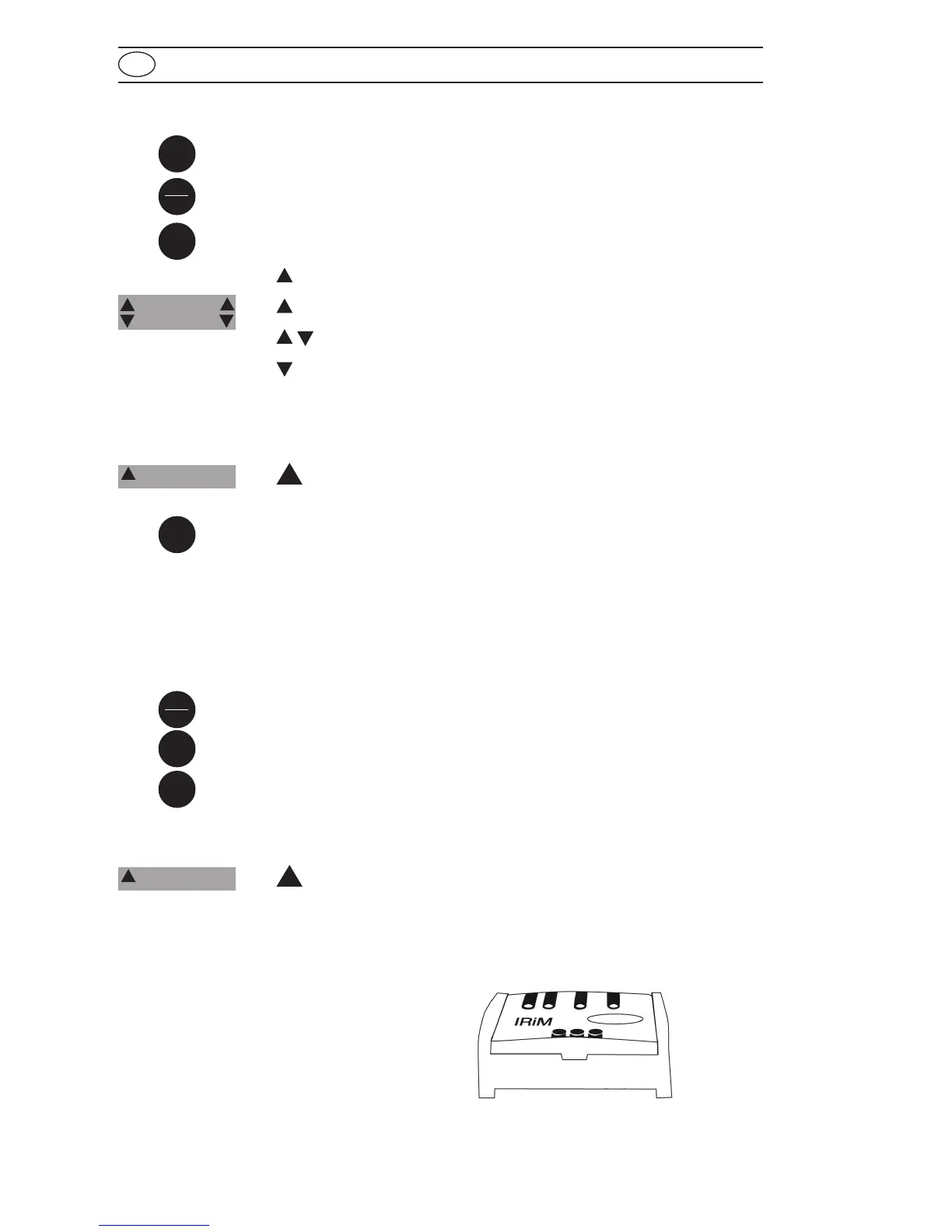
Press the [MODE] key and hold.
Switch the unit on using the [ON/OFF] key.
Allow the 3 decimal points to be displayed before releasing the
[MODE] key.
The [!] key allows for selection of the following menu points:
1
diS recall stored data
1
Prt printing stored data
2
3
setting the date and time
4
user calibration
The selected menu is indicated by an arrow in the display.
1
diS – Recall of stored data
After confirming the selection with the [MODE] key the photometer
shows the last 16 data sets in the following format (automatically
proceeds every 3 seconds until result is displayed):
Number n xx (xx: 16...1)
Year YYYY (e.g. 2014)
Date mm.dd (monthmonth:dayday)
Time hh:mm (hourhour:minuteminute)
Test Method
Result x.xx
The [ZERO/TEST] key repeats the current data set.
The [MODE] key scrolls through all stored data sets.
Quit the menu by pressing [!] key.
1
Prt – Transmitting stored data (to Printer or PC)
Note: To print data, or to transmit to a PC, the optional IRiM (Infrared
Interface Module) is required.
Zero
Test
diS
1
Time Cal
Store Date
Prt
1
Store Date
Time Cal









 To Next Page