19
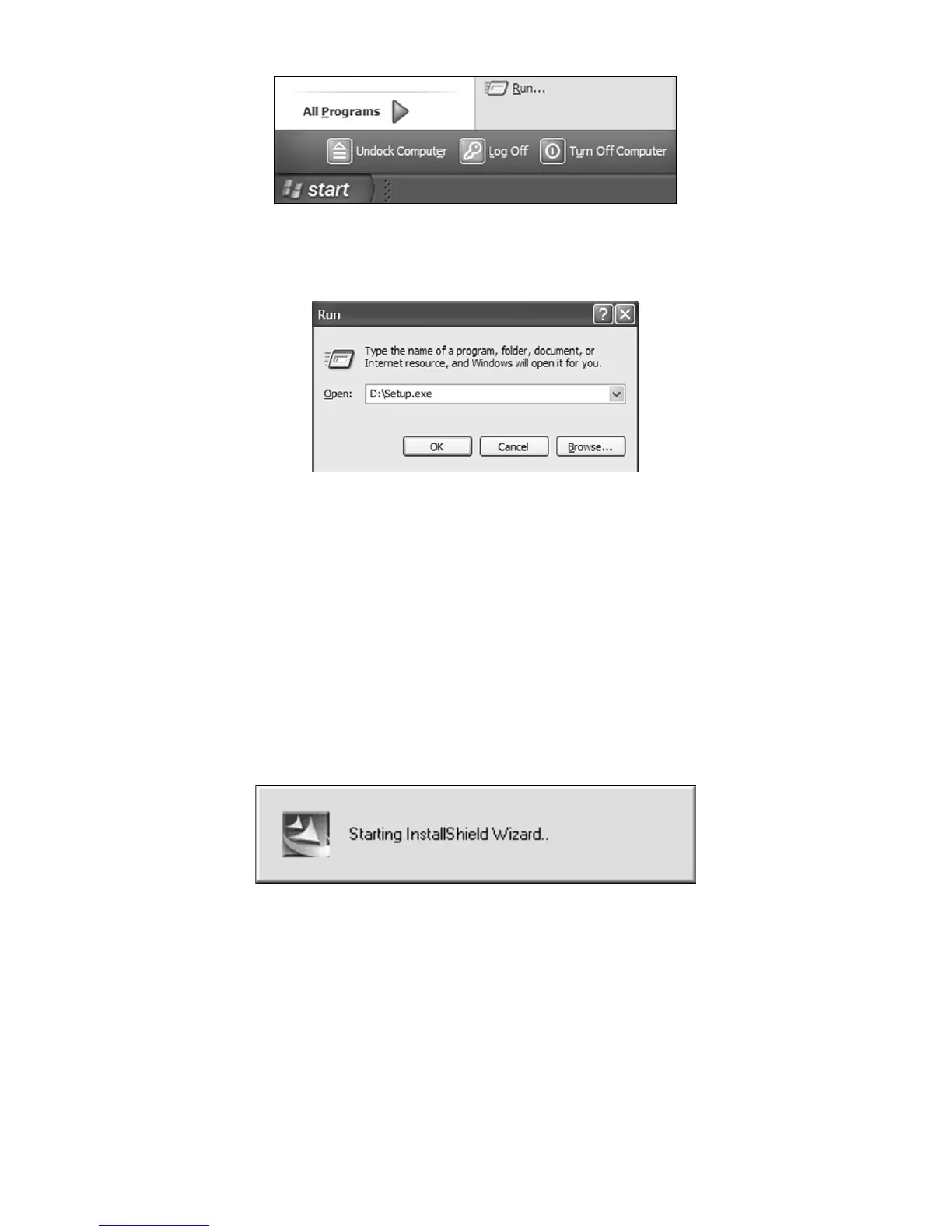
Click the START button on the Windows taskbar, and then click RUN.
3. Type D:\setup.exe (where D: is the drive letter for your CD-ROM)
Type the setup command directory path and file name.
4. Click OK to begin installation.
NOTE:
If you are using Windows 2000 or Windows XP Professional, you
may receive an error message if you are not logged on with admin-
istrator privileges. If this occurs, you can complete the MapCreate
installation by first logging on as an administrator, then proceeding
with step 1 on page 18.
5. Follow the on-screen instructions:



 To Next Page