20
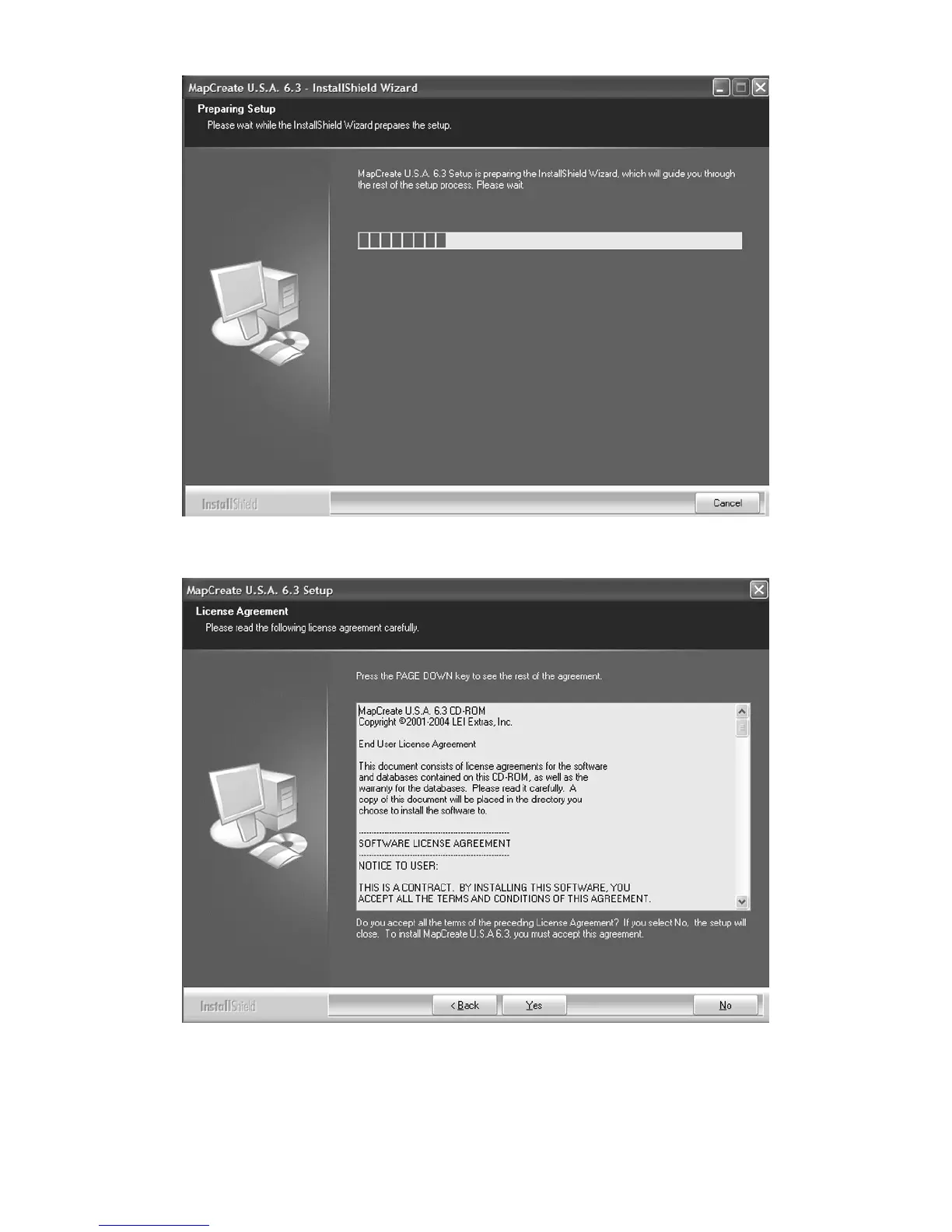
A. InstallShield will load. A message box will appear, reminding you
to disable any anti virus software. Click OK to continue.
B. Read the complete License Agreement. If you accept the agreement,
click the Y
ES button; if you do not accept, click the NO button, and
MapCreate will not be installed on your computer.



 To Next Page