21
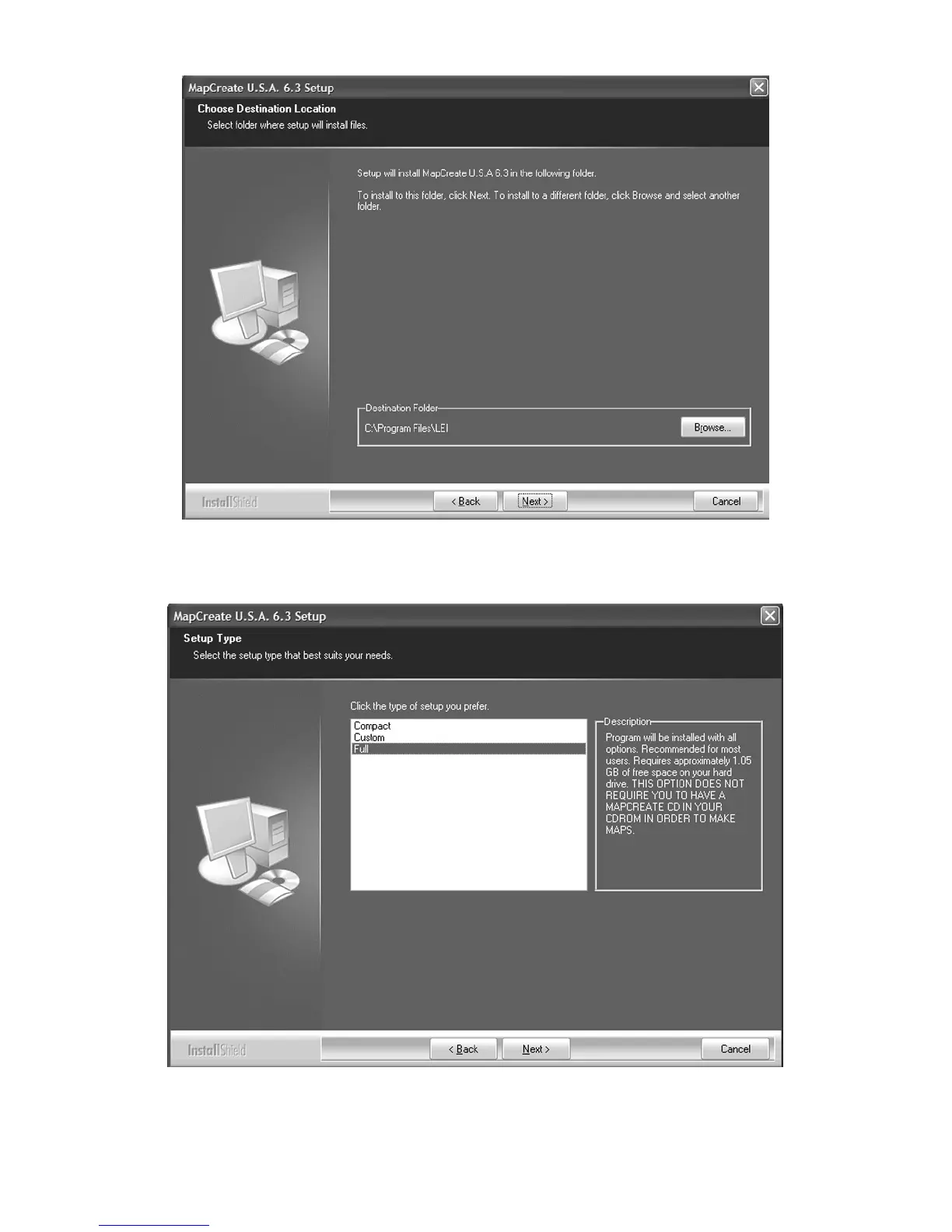
C. Choose a destination folder for the program. You can accept the
default (recommended) or you can choose another location. Click N
EXT
to continue the installation.
D. Select the type of setup, and click the NEXT button to continue the
installation. (See page 17 for a description of the options.)



 To Next Page