How-To Document
Updated on:
11/13/2008
By:Christopher Ware
Page 3 of 13
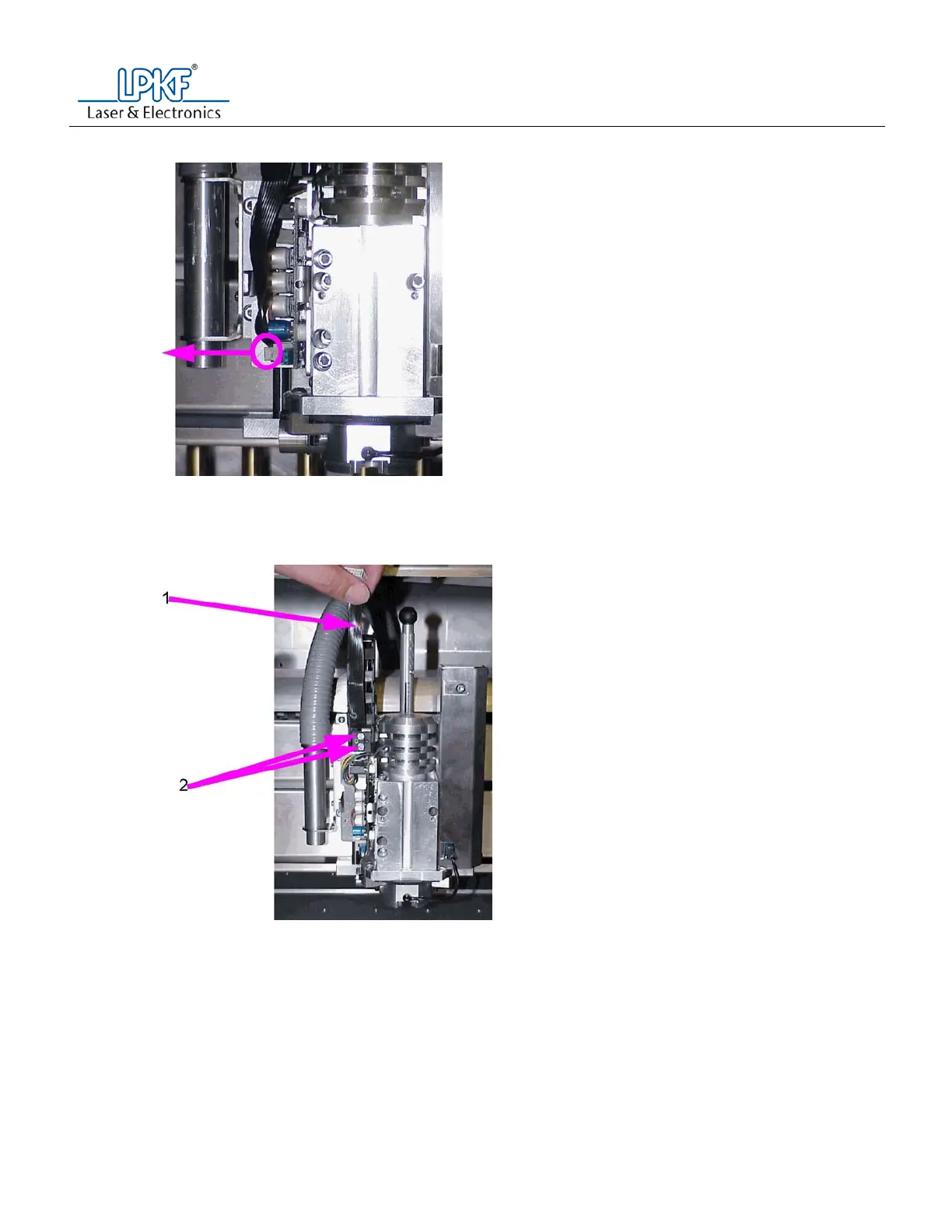
f. Disconnect the black ribbon cable from the connector.
g. With the T10 torque screw, loosen and remove the torque screw that connects the cable chain
ground wire to the head unit.
h. Lift the black ribbon cable up and secure with tape.
i. With a #2 Phillips screw driver, loosen and remove the two (2) screws connecting the cable chain
to the head unit.



 To Next Page